How to Share Your Wedding Album with Family Abroad (Without a Facebook Group)

Some of the people who love you most weren't in the room. The aunt in Toronto who raised your mother. The cousins in Manila who watched you grow up over video calls. The grandparent who couldn't make the flight but cried on the phone the morning of. When the day is over, the first thing you want is to put the photos in their hands — not eventually, not "once I get around to it," but while the feeling is still warm.
And then you hit the wall everyone hits. The full-resolution album is twelve gigabytes. WhatsApp crushes every image into a smudge. Email bounces the attachments. A Google Drive link asks your 78-year-old great-uncle to "request access." So you do what people have done for fifteen years: you start a Facebook group. And then half the family isn't on Facebook, the other half never checks it, and your most precious memories end up living on a platform you don't control, mixed in with ads, beside an algorithm deciding who sees what.
There's a calmer way. This guide walks through how to share your wedding album with family abroad so that everyone — every age, every country, every level of tech-confidence — can open it, keep it, and feel like they were there.
Why the usual methods quietly fail family abroad
Each obvious option fails in its own specific way, and family who live overseas feel every failure twice as hard.
- WhatsApp and group chats compress and bury. A chat re-encodes photos to a fraction of their quality, and they vanish up the scroll within a day. Group-chat fatigue is measured, too: in one survey, 40% of respondents said they felt overwhelmed by group chat messages and notifications (The Conversation, 2023).
A relative who muted the family thread in March will never see the album you dropped there in June.
- Email can't carry the file, and cloud-drive links ask too much. A wedding album is hundreds of high-resolution photos and video; mail providers cap attachments at a handful of megabytes. So you fall back on a Drive or iCloud link — which then trips a "sign in" or "request access" prompt across countries and accounts.
For an older relative abroad, one permission screen is the end of the road.
- A Facebook group excludes and exposes at the same time. It locks your wedding out of reach for anyone who left the platform, and parks your most personal images — children, elderly relatives, private emotional moments — inside an advertising business, beside targeted ads and someone else's feed logic.
That trade is steeper than most couples realise.
There's a quieter cost underneath all of this: most buried photos are simply never seen again — around 70% of camera-phone photos are never revisited in any meaningful way (Popsa "Memory Economy" report, 2025). A wedding album deserves better than to become another folder nobody opens.
What "sharing your album abroad" should actually feel like
Set the bar where it belongs. For family scattered across time zones, a good shared album should:
- Open from a single link — no app, no account, no "request access." Your great-aunt taps once and she's looking at your wedding.
- Show full quality, and let people download what they love — the photographer's work and the one shot of all the cousins together, to print and keep.
- Hold video and voice, not just stills — the toast, the first dance, your father's voice; the parts a flat photo can't carry.
- Stay private and under your control, never quietly mined or repurposed by an advertising platform.
- Last — this is the album you'll return to on anniversaries for decades. It shouldn't depend on whether a social network still exists.
Smartphone ownership is near-universal now — penetration in Germany reached an estimated 97% in 2024 (Statista) — so "everyone has a phone that can open a link" is a safe assumption even for family abroad. The trick is choosing a way to share that asks nothing more of them than tapping that link.
The simplest method: a private album behind one link
The cleanest answer is a private wedding album that lives at one web address, opens in any phone browser, and asks visitors for nothing. This is exactly what Gathmo is built to do for weddings.
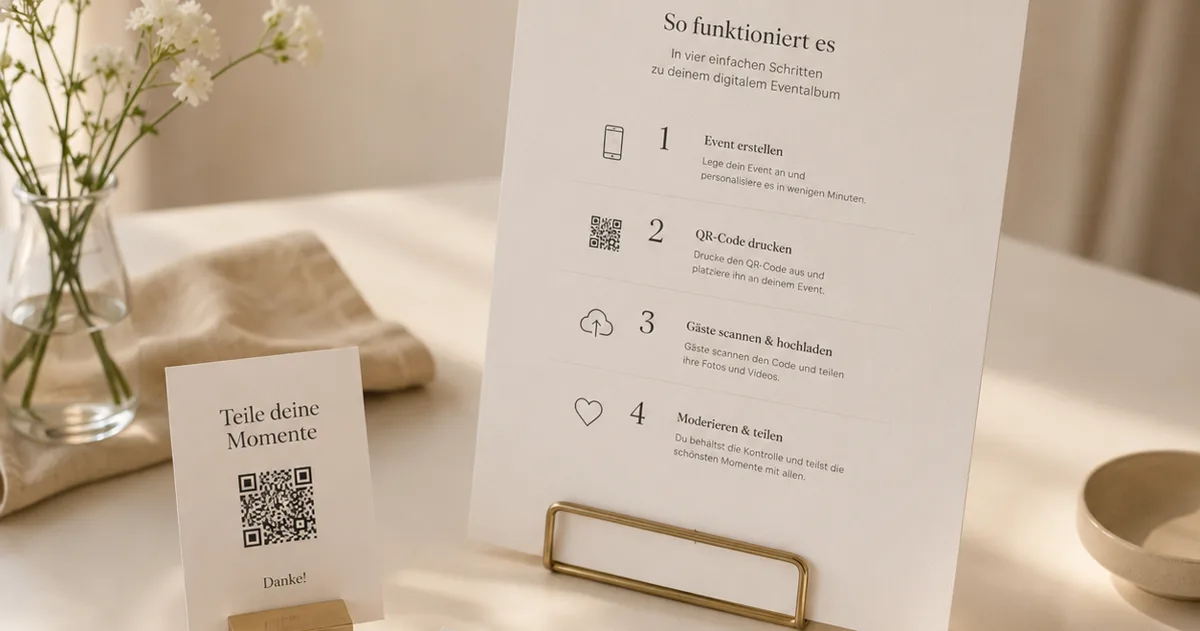
Here's how it works. Throughout the day, your guests scan a QR code or open a short link and upload photos, videos, and voice messages straight from their phones — no app to install, no account to create. Everything lands in one branded album.
When you're ready to share it with family abroad, you send the same kind of simple link, and they open it the same way: tap, and they're in. Nobody signs up; nobody downloads anything just to look.
It works on every phone, in every country, for every generation — the grandparent in another hemisphere has exactly the same one-tap experience as the cousin next door.
A few things make this genuinely better than a group chat or a drive folder for the specific case of family overseas:
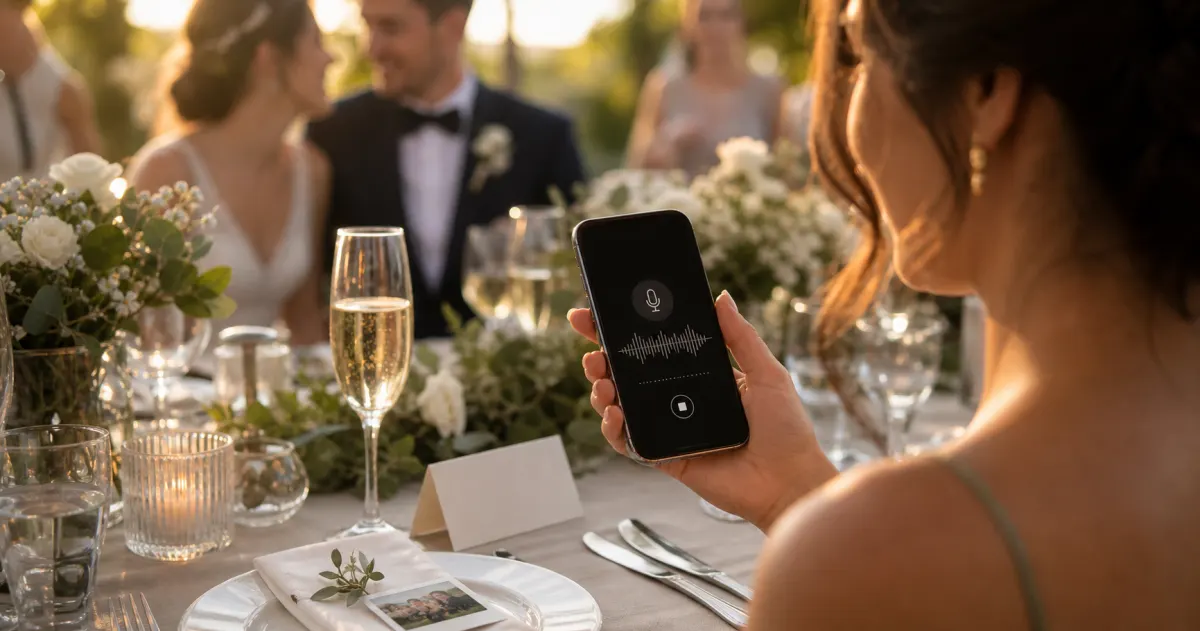
- The voice messages travel too. This is the part that moves people who couldn't be there. Guests record a message right in the browser — no special phone, no hardware booth — and you receive them in a dedicated Voice Messages section, each with a waveform player.
Voicemail recording is included on every Gathmo tier (30 seconds on Free; unlimited on paid tiers); on the Grand tier and Gathmo's business plans, each message also comes with a full text transcript — so a relative abroad who's hard of hearing, or following in a second language, can read along.
Hearing your grandmother's blessing in her own voice is the closest thing to having been at the table.
- Full-quality downloads, for everyone. On every paid plan, the whole album downloads as a batch in original quality — so the aunt in Toronto gets the real files to print and keep, not compressed thumbnails to screenshot.
- You set retention; nothing is silently mined. Each plan keeps the album live for a set window — 6 months on Essential, 1 year on Celebrate, and a full 2 years on Grand, with storage add-ons available — and when it expires the album is deleted, not quietly archived or repackaged into an advertising feed.
A short, kind plan for getting it to everyone overseas
Sharing the link is the easy part. Getting every relative actually inside the album — including the ones who find technology stressful — is mostly a matter of care:
- Pick one moment to send it. A week or two after the wedding, once the photographer's gallery joins the guest uploads, send the album link in a single warm message — one link, one moment, not a drip of disconnected photos.
- Send it where each person actually reads — WhatsApp for one branch of the family, iMessage for another, plain email for the relatives who live in their inbox. The link is the same; you're just meeting people where they are.
- Write the one instruction they need: "Just tap it." With no app and no sign-in, that really is the whole instruction. Reassure the nervous ones that there's nothing to download and nothing to join.
- Tell them they can keep their favourites. Many relatives don't realise they're allowed to save the photos. Say it plainly: download anything you love, print it, frame it.
- Invite their voice back. If your album is still open for uploads, family abroad can add a voice message of their own — closing the loop, so the people who couldn't travel still leave their mark on the day.
This matters more for some weddings than others. Destination and far-flung weddings see noticeably lower attendance — by some estimates only around 60–70% of invited guests make it to a destination wedding, versus 75–85% at a traditional one (aggregated destination-wedding figures, illustrative). The further your circle is spread, the more the album is the wedding for the people who couldn't come.
A quiet word on privacy — because this is family
Sharing photos of other people, especially family, deserves a moment's thought rather than a shrug. Two things are worth knowing.
First, where your photos physically live is a real choice. Gathmo stores your wedding photos, videos, and voice messages on EU servers in Frankfurt, under GDPR, with processor agreements (DPAs) in place. For many couples — particularly German and French families — having their most personal images sit under EU data protection rather than on a far-off server is a quiet reassurance worth having.
Second, posting other people's faces publicly is legally different from sharing privately within your family. EU guidance treats openly publishing photos of others — out beyond a closed private circle, onto the open internet — as something that can fall outside the "purely personal or household" exemption covering private family sharing (GDPR Art. 2(2)(c) and Recital 18; CJEU Ryneš, C-212/13). In plain terms: a private album you send to named family is a very different thing from a public Facebook post the whole world can find. A private, link-protected album keeps you in the gentler, personal category — and your guests' faces out of a public feed.
One honest note: Gathmo does not offer face-recognition photo search (where guests find pictures of themselves by selfie). It's on the roadmap but isn't a launch feature — so if a relative wants only the photos they're in, for now that's a manual scroll, not an automatic filter. We'd rather tell you than let you assume.
This section is general information, not legal advice; for your specific situation, consult a qualified professional.
Create the shared wedding album and get the link
The Gathmo album link is a standard browser URL that works on any device in any country, with no app and no login required. Once you have the link, family members anywhere in the world can open it and browse immediately.
Share the link directly, not photos individually
Instead of sending hundreds of photos by email or WhatsApp, share the single Gathmo album link. Family abroad can browse the full collection and download their favourite photos in original quality -- no compression, no account needed.
Choose a tier with a long retention window
For sharing with family abroad, the album needs to stay active long enough for relatives in different time zones and schedules to access it. Essential (19 EUR, 183 days) covers most weddings; Grand (79 EUR, 730 days) is ideal for a collection you want to preserve for two years.
Invite family to add voice messages if they could not attend
Before or after the wedding, share the album link with family abroad and invite them to record a voice message. This gives them a meaningful way to participate from a distance, and their messages arrive in the same album as all the wedding photos.
Frequently asked
A private, link-based album that needs no app, no sign-in, and no platform account — so relatives in any country and any age group open it with a single tap and the same link, sent wherever each person reads (WhatsApp, iMessage, email). Full-quality downloads, video, and voice messages (with transcripts on Gathmo's Grand tier) make it feel less like a file dump and more like inviting them in.
Use a link-based album rather than a file transfer. Family open the album and view everything in the browser; they only download the specific photos they want to keep. There's no giant file to send and nothing to download just to look.
Yes — that's the main reason to avoid app-based or account-based methods. If the album opens from a plain link in a browser with nothing to install or join, the experience for a 78-year-old abroad is identical to anyone else's: tap the link, and there's your wedding.
No. A Facebook group excludes everyone who isn't on Facebook and parks your most personal photos inside an advertising platform you don't control. A private album reaches family regardless of which networks they use and keeps your wedding yours.
A private album link sent by email or message is the most reliable method: it works on any device, requires no app install, no social media account, and no physical delivery. Family members receive the link, tap it on their phone or laptop, and can browse and download full-resolution photos immediately. The key advantage over cloud storage (Google Drive, Dropbox) is that a well-designed album presents photos in a curated gallery — not a flat folder of files. Gathmo's albums are accessible anywhere in the world at the same link. Set the retention window to at least one year so international family has time to download at their own pace.
Three things reduce the tech barrier: (1) a direct link rather than a QR code — email the URL directly so they only need to tap, not scan; (2) a no-login flow — any platform that requires creating an account will stop a significant portion of older or less technical relatives; (3) a single download button that gets them all photos in one ZIP, so they do not need to save each image individually. Gathmo's album opens in a browser with no login, and the download-all function is visible from the gallery. The invitation email should say exactly: Click this link to see all wedding photos — tap Download All to save them — one action, no account needed.
The most reliable method for non-tech-savvy family members is a direct link sent by text message or email: tap the link, the album opens in the browser, scroll to view, tap any photo to download it. No app, no account, no login required. A QR code also works but requires knowing how to scan one; a link in a text message is more accessible for older relatives. When sending the link, include a one-line instruction: Tap this link to see all the wedding photos — tap any photo to save it to your phone. The simpler the instruction, the more family members will successfully access the album. Gathmo album links open the gallery directly without any intermediate login page.
 Story
StoryThe most underrated wedding keepsake: guest voice messages
Guest voice messages are the wedding keepsake couples replay most -- real voices, real pauses, the things people said when they actually meant them.
 Ranking
Best wedding guest photo apps of 2026
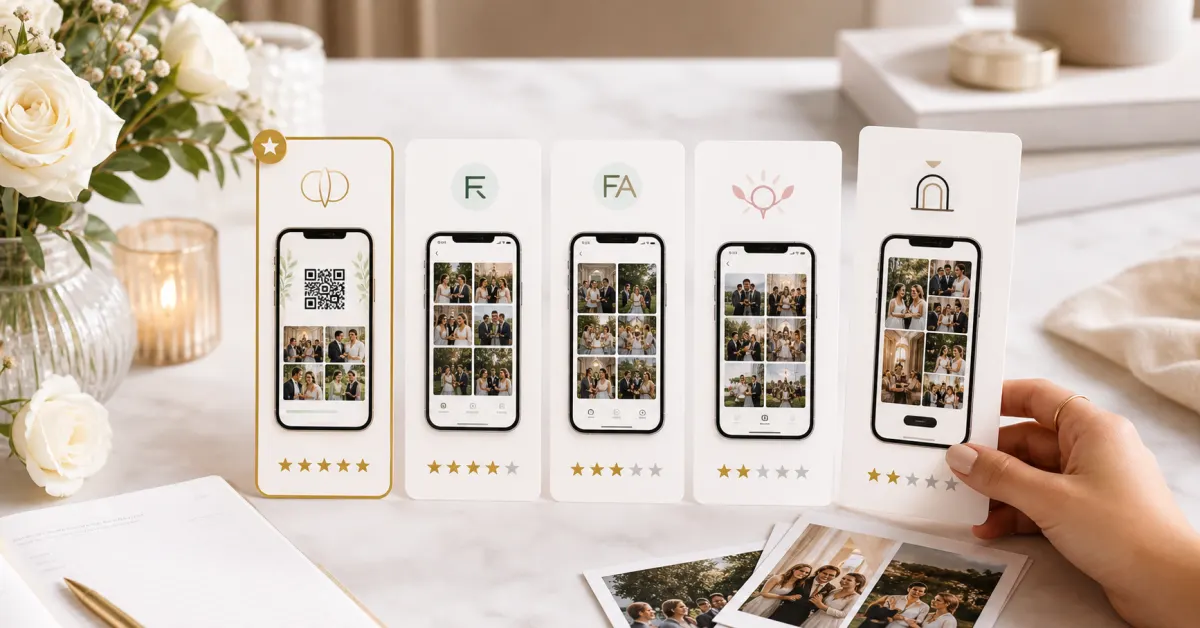
We compared the wedding guest photo apps couples actually use -- on price, friction, and what you keep afterward. Our ranked best-of for 2026.
 Guide
GuideAudio guestbook for weddings: skip the rental
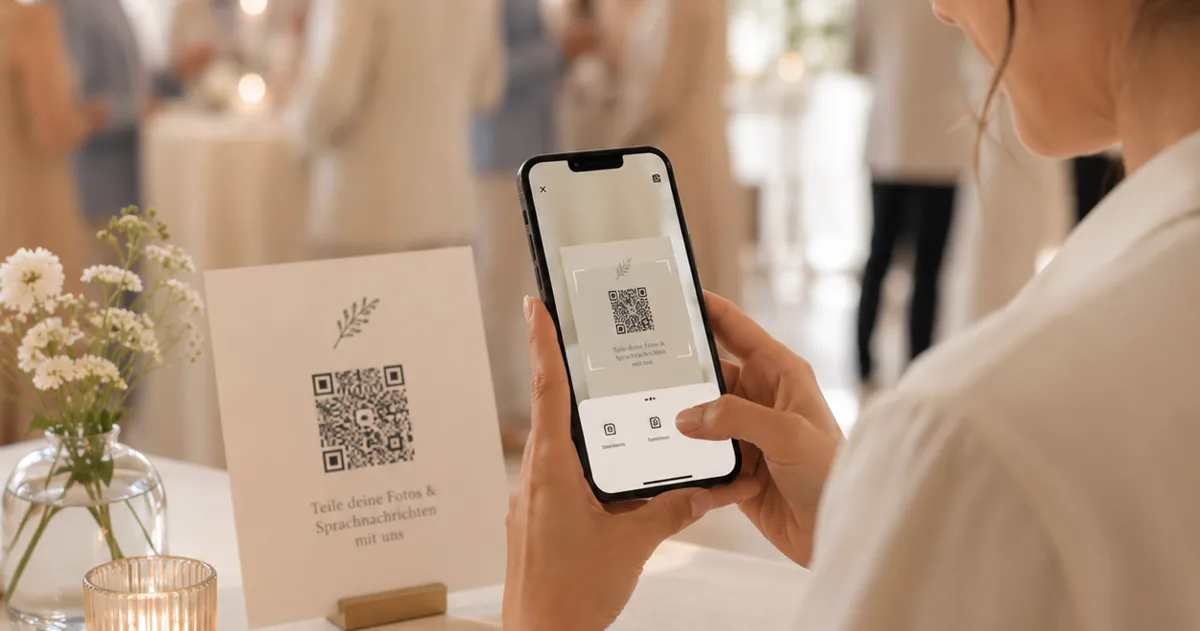
An audio guestbook used to mean renting a retro phone for hundreds of euros. How to collect wedding voice messages with a QR code instead.