Wedding Photography Tips for Couples: Getting the Best Out of Guest Cameras

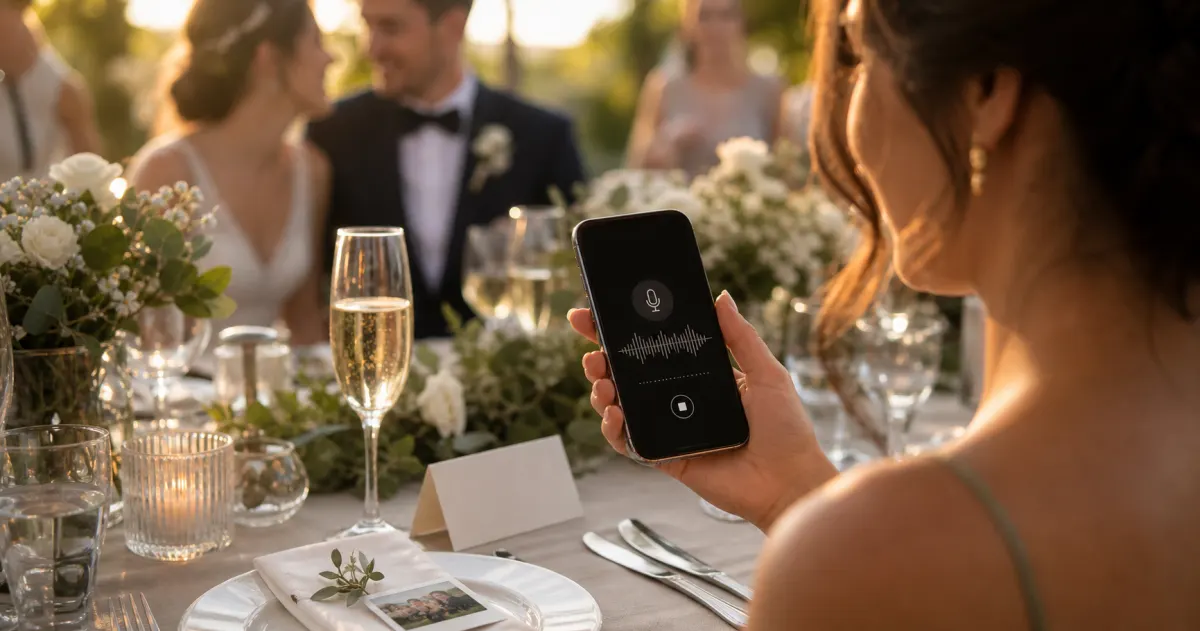
Your photographer will give you the wedding you planned: the formal portraits, the first kiss in perfect light, the wide shot of the room as you walked in. But a whole second wedding is happening at the same time — the one seen through your guests' phones. Your grandmother's face during your vows. The dance-floor chaos at midnight. The quiet moment between your parents no professional was close enough to catch.
Those photos are real, and most of them are destined to vanish. The world took an estimated 1.9 trillion photos in 2024 (Photutorial, 2024–2025), yet around 70% of camera-phone photos are never revisited in any meaningful way (Popsa, 2025). On a day this singular, that is a quiet loss you can prevent.
This guide is for the couple, not the photographer. It is about gently shaping how your guests shoot — and making sure every frame they capture actually reaches you. Because the best guest photo in the world is worthless if it stays trapped on someone else's phone forever.
Why guest photos matter more than couples expect
Guest cameras do something a single photographer, however brilliant, cannot: they multiply the points of view. Your photographer is in one place at a time; your guests are everywhere — at every table, on both sides of every moment.
Estimates of how many photos guests take vary widely; one wedding-photography source puts a typical figure in the hundreds, with a quoted range of roughly 500–1,200 guest photos within 24 hours of a wedding (Snapeen, 2026 — illustrative, single vendor source). Treat the exact number as a rough indication, not a benchmark, but the direction is clear: there are far more images of your day than your official gallery will hold.
The candid, off-angle guest shot is its own genre — reactions instead of poses, the people watching instead of the people performing. Years from now, those are often the photos couples return to most. The goal here is to help you get more of the good ones, and lose none of them.
The five things to ask of your guests (and how to ask)
You cannot direct two hundred amateur photographers. What you can do is plant a few simple ideas in advance, so that when the moment comes, your guests instinctively reach for the better shot. Keep your asks few, warm, and easy to remember.
1. "Catch the reactions, not just the couple"
The professional will cover you; what they often miss is the room watching you — your father's face during your vows, the children sneaking cake. Ask guests to point their cameras at each other and at the crowd, not only at the head table. These are the photos no hired lens can guarantee.
2. "Hold it horizontal for the big moments"
Vertical clips are fine for stories, but for set pieces — the ceremony, the first dance, the speeches — horizontal framing captures the whole scene and ages far better. A single line on a table card does the work; no lecture required.
3. "Step back before you step in"
Guests crowd forward for a close-up and end up with a forest of other phones in frame. Encourage a wide shot first — the moment in context — then the close-up. The wide shot is almost always the keeper, and the one guests are least likely to take without a nudge.
4. "Shoot the small things"
The place cards in your handwriting, the flowers before they wilt, the shoes by the door at 1 a.m. Detail shots are easy for guests to take, hard for one photographer to cover exhaustively, and quietly precious later.
5. "Be present first, photograph second"
The most generous ask is also the most modern: put the phone down for the vows, the first dance, the speech to your parents — then pick it up. Framing photography as a way to add to the day rather than mediate it tends to produce both a better atmosphere and, paradoxically, better photos.
How to communicate these tips without sounding like a brief
The fastest way to kill the warmth of a wedding is to hand guests a list of rules. Make the ask feel like an invitation, and place it where guests will see it when it is relevant: one line on the website or in the order of service ("We'd love your photos; catch the moments we'll miss"), a single friendly prompt on each table card (read while people wait, exactly when the idea lands), and a warm word from your MC ("If you take a photo tonight, take one of someone laughing"). If you would rather guests be fully present for the vows, an "unplugged ceremony" sign at the aisle does that — just reassure them they will get the photos afterwards, which, with the right setup, they will.
The throughline: every one of these asks works far better when guests know there is somewhere for the photos to go. Which brings us to the part most couples get wrong.
The mistake that loses the photos: no easy way to collect them
You can coach your guests perfectly and still end up with almost nothing. Here is why.
The default plan — "everyone post in the group chat" or "just send them afterwards" — fails reliably, because it leans on memory and goodwill at the exact moment life moves on. There is data behind the fatigue: roughly 40% of people report feeling overwhelmed by group-chat messages and notifications (The Conversation, 2023). A few keen guests post the next morning; everyone else means to and never does. Worse, messaging apps crush photos to a fraction of their resolution, stripping out the quality you would want for a print.
So the single most important "wedding photography tip" for couples is not about composition at all. It is logistics: give your guests one frictionless place to send everything, in full quality, the instant they take it. Get that right and the coaching above compounds.
How to collect every guest photo (without becoming the wedding's IT department)
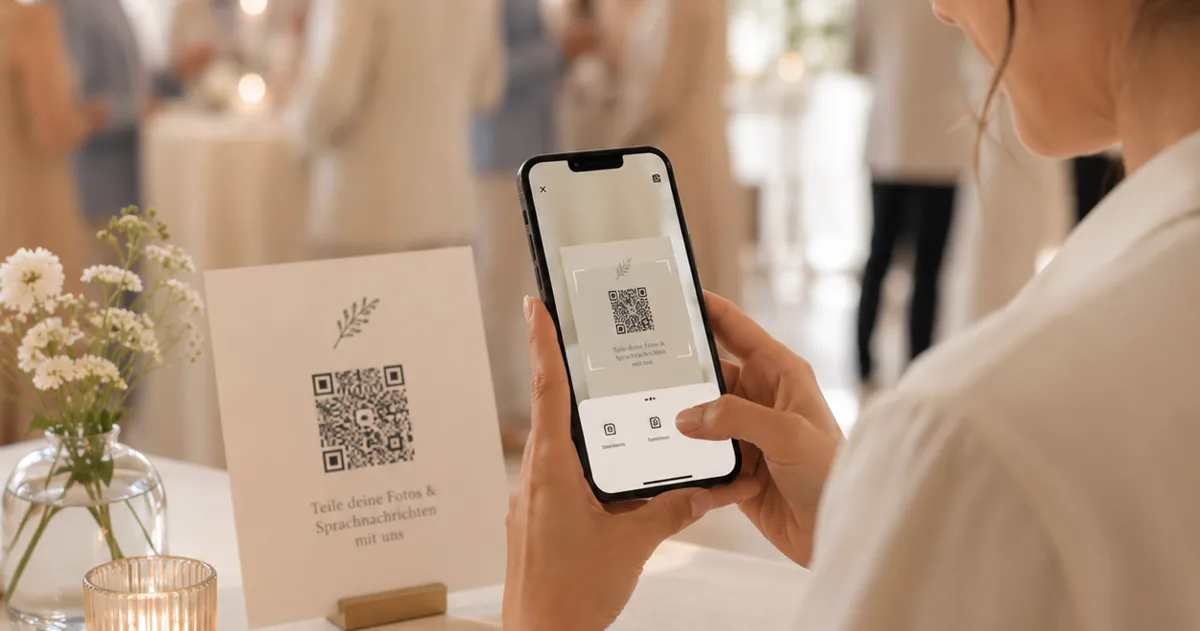
The method that consistently works in 2026 is a QR code your guests scan to upload straight from their browser — no app to download, no account to create. This matters because your guest list spans every age and phone, and the technology is no longer the obstacle. Smartphone ownership is near-universal — penetration in Germany was forecast to reach 97% in 2024 (Statista, 2024) — and scanning a QR code is now an ordinary habit: 68% of consumers used one at least once in the past year (TEAM LEWIS, 2024).
This is the lane Gathmo is built for. Guests scan your wedding QR code or open a short link and land straight on the upload screen — no app, no signup, on any phone, including the relatives who would never install anything. Their photos and videos arrive in one private album in original quality, and you download the whole lot as a single batch afterwards. Nothing to chase, nothing to reassemble.
A few practical notes for getting the collection itself right:
- Make the QR code easy to scan. A table card wants a code of roughly 3–5 cm, scanned from a seated distance (QR Insights, 2026); a standing A-frame wants something larger, around 10–25 cm for viewing at a metre or two (Uniqode). Keep dark code on a light background, and always test-print and scan a proof at the real size first. Our full walkthrough lives in the wedding QR code setup guide.
- Put the code where the photos happen. Every table, the bar, near the guestbook, by the dance floor — the more reminders a guest passes, the more they upload. There is a dedicated guide to sign placement if you want to plan it properly.
- Collect voices, not just images — the part most couples never think to ask for, and treasure most.
Don't forget the photos that have a soundtrack: the audio guestbook
Guest cameras capture what your day looked like. They cannot capture what it sounded like — the toast that made the whole room cry, the message your grandmother left, the inside joke from your oldest friend. That is what an audio guestbook does.
With Gathmo, the audio guestbook is built in on every tier: guests record a voice message right in their browser — no hardware, no vintage telephone to rent, no awkward booth. You receive each one in a dedicated Voice Messages section of your album with a waveform player, and on the Grand tier (and our business plans) every recording comes with a full written transcript. Recording lengths start at 30 seconds on the free tier and are unlimited on all paid plans.
Why does this belong in an article about guest cameras? Because a voice message is the one form of guest capture that cannot be re-created later. A photo can be retaken in spirit; a particular person's voice, on a particular day, cannot — and it is the thing most likely to be lost without somewhere to record it. (In-browser voice recording is still rare in this market; among the tools we track, only a handful offer it, and transcripts are rarer still.)
A quiet word on privacy — because guest photos are personal
Wedding photos are intimate — family, children, elderly relatives, emotional moments your guests may not want posted publicly. When you collect everyone's images into one place, choose a tool that treats them with the respect they deserve.
Gathmo stores every photo, video, and voice message on EU servers in Frankfurt, under GDPR, with processor data-processing agreements in place. Your album is private to you unless you choose to share it, and when it expires it is deleted rather than quietly archived. Under EU law, a host collecting guests' photos should also give a clear notice at the point of collection — who controls the images, why, and for how long — and a person can ask to have their data erased, a request that must be handled within one month (GDPR Art. 13 and Art. 17). (This article is general information, not legal advice.)
- Fills the biggest gap in official wedding photography
- Guests are already watching -- just redirect the camera
- Easy to prompt on a table card
- Guests need a specific nudge, not a vague instruction to take photos
- Easy to coach with one sentence
- Better for later viewing on TVs and in photo books
- Requires no photography skill
- Guests default to vertical on a phone -- needs an explicit reminder
- Produces the most contextually rich images
- Guests rarely take wide shots without prompting
- Easy to coach at any skill level
- Counterintuitive for guests used to social-media close-up aesthetics
- Easy for guests of any skill level
- Covers gaps the professional cannot fill by being one person
- Disproportionately valuable in retrospect
- Guests need to be reminded -- most default to people shots
- Produces better photos by removing the phone-forest distraction
- Creates a better atmosphere during key moments
- Guests often take better photos when less self-conscious
- Needs to be framed positively, not as a restriction
- Requires reassurance that photo moments follow immediately
Frequently asked
Coach gently and collect ruthlessly. Plant a few simple asks in advance — catch reactions, shoot details, go horizontal for big moments — and give every guest one frictionless way to send the results, ideally a QR code they scan to upload from their browser with no app and no signup. Coaching without an easy collection method loses most of the photos.
It is your call. An unplugged ceremony keeps guests present for the vows and clears a forest of phones from your photographer's shots. The key is reassurance: tell guests warmly that they will get the photos afterwards, then make that true by having a shared album ready for the reception.
For most couples, yes. A QR code that opens an upload page in the browser asks nothing of guests — no download, no account — which is why it works across every age group. With near-universal smartphone ownership and QR scanning now mainstream, the technology is no longer the obstacle; a clear sign and a good setup are what matter.
They do not have to. Messaging-app and group-chat photos look degraded because those apps compress images heavily. A dedicated photo-collection tool like Gathmo keeps uploads in their original quality and lets you download the full-resolution batch afterwards — which is what you want for printing.
For a table card scanned from a seated distance of roughly 30-50 cm, print the QR code at 3-5 cm square. For an A5 or A4 ceremony stand scanned from 40-70 cm, go 4-7 cm. Always leave a clear quiet-zone blank margin of at least four modules around the code -- in practice a comfortable white border -- and use dark code on a white background (inverted light-on-dark codes fail on many phone cameras). Print one proof at the real size and test-scan it under the venue lighting before printing the full batch.
Participation varies with placement and prompting. With a QR code on every table card and a brief MC mention, a rough expectation is 20-40% of guests uploading at least one photo -- typically 50-150 uploads for a 100-person wedding. The quality of the photos is usually higher than expected: guests take candids that the professional misses, and the variety across the whole room is a genuine supplement to the official gallery. The biggest determinant of participation is not the tool -- it is whether guests know the QR code is there and feel invited to use it.
Three approaches that drive organic participation: (1) Make the QR card match the wedding stationery — a card that fits the aesthetic does not feel like a technical instruction; guests pick it up as part of the setting; (2) Have the MC frame it as a gift to the couple (The best present you can give them is a photo from your perspective — here is how), not as a task; (3) Display the live wall during the reception — guests who see their photo appear on screen are intrinsically motivated to upload more and show others. The most natural moment to mention it is during the welcome speech or at the start of dinner, when guests have their phones out and are between activities.
 Story
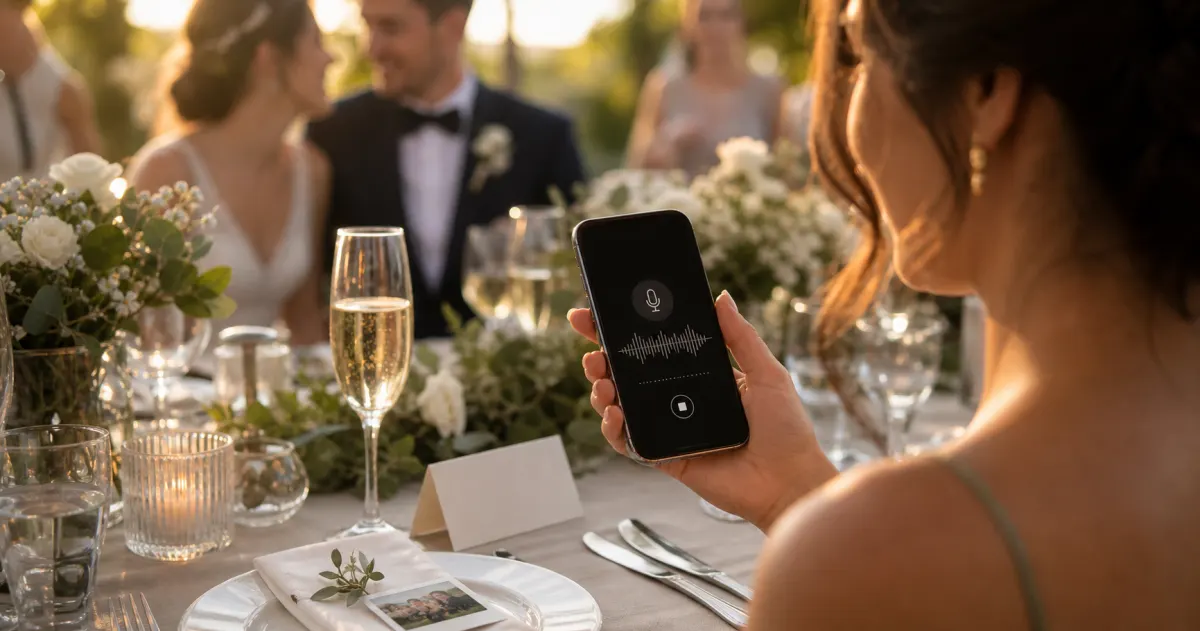
StoryThe most underrated wedding keepsake: guest voice messages
Guest voice messages are the wedding keepsake couples replay most -- real voices, real pauses, the things people said when they actually meant them.
 Ranking
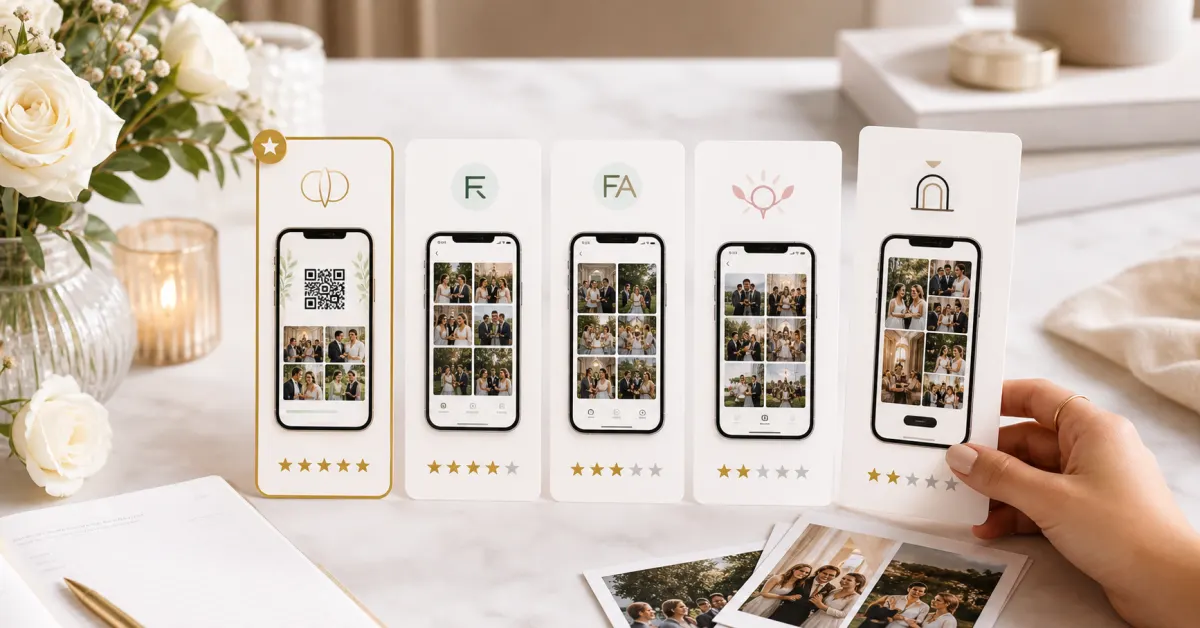
Best wedding guest photo apps of 2026
We compared the wedding guest photo apps couples actually use -- on price, friction, and what you keep afterward. Our ranked best-of for 2026.
 Guide
GuideAudio guestbook for weddings: skip the rental
An audio guestbook used to mean renting a retro phone for hundreds of euros. How to collect wedding voice messages with a QR code instead.