10 Creative Ways to Display the QR Code at a Birthday Party

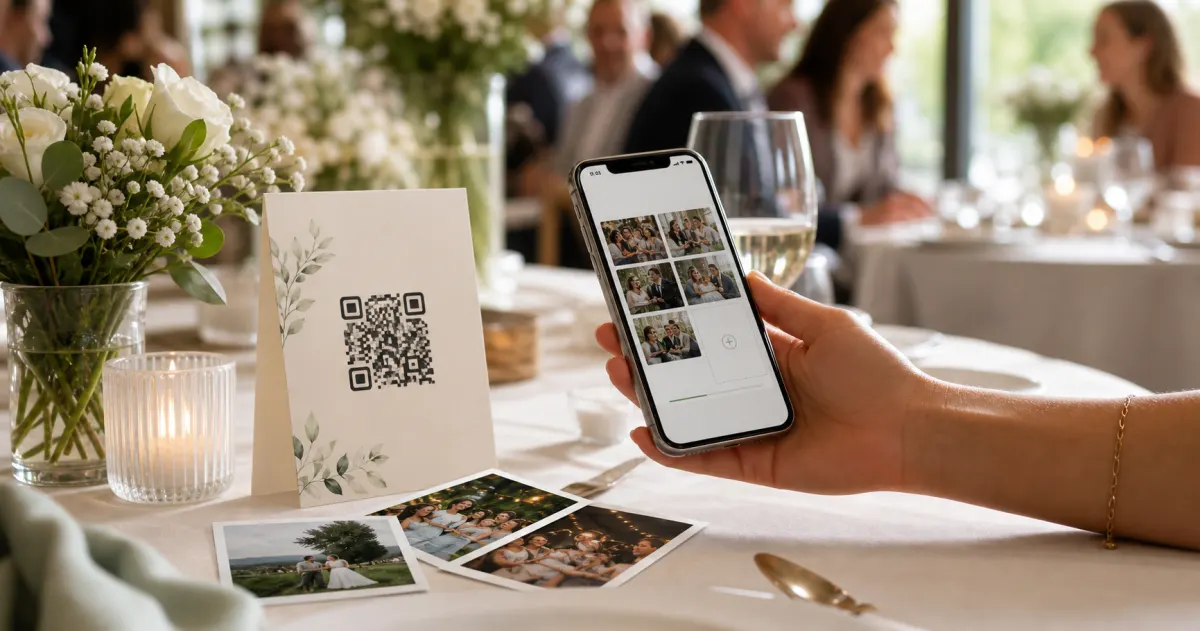
You set up the album. You made the QR code. And then it sat on someone's phone all night, and nobody scanned it.
That is the quiet way birthday photo collecting fails. Not because the tech is hard — guests scan, upload, done — but because the code was never somewhere people would actually see it and think oh, I should add mine. A QR code only works when it is in front of a guest, big enough to scan, at the moment they have their phone out.
So this is the fun part. Below are 10 ways to put your birthday QR code where guests will catch it — on the cake table, the banner, the favour bags, even a balloon. Each one comes with a quick note on how big to print it and where it scans best, so it works the first time. Pick two or three. One code in one spot is a single point of failure. Three codes around the room is a habit waiting to happen.
A quick note before the ideas: with Gathmo, guests scan and upload photos, videos, and voice birthday wishes straight from their phone — no app, no account, no login. That matters here, because the easier the destination, the more your clever QR placement actually pays off. (More on that, and a few real specs, at the end.)
First, a 30-second QR primer (so every idea below scans)
Before the creative bit, three numbers that make or break every single placement. They are not glamorous, but a code nobody can scan is just decoration.
- The 10:1 rule. A QR code's minimum size is the maximum scanning distance divided by ten. So a code people scan from 2 metres away across a room needs to be about 20 cm. A code on a table they lean over needs far less. Size it for the furthest person who'll use it.
- Keep a clear margin. Leave a blank "quiet zone" — at least four modules wide — around all four sides of the code. Crowd it with text or a busy pattern and scanners struggle.
- Dark on light, and test before you print a stack. Use a dark code on a light background (not the reverse), and always scan a proof at the real size, in the real lighting, before you print twenty of them.
One more: use a dynamic QR code rather than a static one for an event like this. A dynamic code lets the destination be edited or fixed later if anything changes, and it survives small print smudges better. Gathmo's event links are designed to be printed and scanned in exactly these messy, real-world conditions.
Right. The ideas.
1. The cake table sign (the highest-traffic spot in the room)
Every single guest visits the cake table at some point — for the candles, the singing, the slice. That makes it the best real estate you have. Put a small standing card or a framed sign right next to the cake with the code and one line: "Got a photo of the candles? Add it here."
Size it for: a seated or leaning scan from about 30–50 cm, so roughly a 3–5 cm code on a table tent or card. Export at 300 DPI so it stays crisp.
This is the placement that catches the candle blow-out — the one shot everyone takes and nobody ever sends you.
2. A balloon, a foil number, or the "30" / "50" backdrop
Milestone birthdays love a giant foil number. Tuck a QR code into that photo moment. Print it onto a card and clip it to the balloon weights, or pop a small sign beside the backdrop where people queue for photos. The psychology is simple: guests are already holding their phones up to take a picture there. Make uploading the next obvious step.
Size it for: a standing scan from ~1–2.5 m, so a poster-scale 10–25 cm code if it lives on the backdrop itself, or a smaller table-card size if it sits on the weights at arm's length.
3. On the birthday banner or "Happy Birthday" garland
The banner is the thing everyone glances at when they walk in. Add a code to one end of it — or print a coordinating little flag with the code that hangs from the same string. It reads as part of the décor, not as an instruction.
Size it for: the banner is usually viewed from a few metres, so go large: 8–12 cm at minimum if it hangs on a wall people pass at distance. Avoid printing the code in light-on-dark to match a dark banner — inverted codes fail on many scanners. Keep it dark-on-light even if it means a small white panel.
4. Table cards on every table (so nobody has to get up)
At a sit-down birthday — a milestone dinner, a restaurant booking, grandma's 80th — put a little table tent on each table. Guests scan without leaving their seat, between courses, while they are already chatting about the photo they just took. This is the single most effective way to lift uploads at a seated event, because it removes the "I'll do it later" gap entirely.
Size it for: ~30–50 cm seated distance → a 3–5 cm code per card. Level M error correction (the standard default) is fine for clean table cards; bump to Level H if you overlay the birthday person's photo or a logo on the code.
5. The favour bags or party-bag tags (kids' parties, take it home)
For a kids' party, the album does not close when the parents leave — half the good photos are on their phones. Print the code onto a little tag and tie it to each going-home favour bag, or pop a card inside. The message: "Thanks for coming! Add your photos from today here." Other parents upload from the car park, from home, from the sofa that evening.
Size it for: a close, in-hand scan (~20 cm), so a tag-sized 2.5 × 2.5 cm code reads reliably. Below about 2 × 2 cm, scanning gets unreliable — don't go smaller.
This one quietly solves the parent's classic complaint: "I have 40 photos from the party and none of them are from anyone else."
6. A drinks-station or bar sign
The bar, the punch bowl, the lemonade stand — wherever people pause. A waiting guest with a drink in one hand and a phone in the other is your ideal uploader. A small A5 stand here does a lot of work over the course of an evening.
Size it for: an A5 stand scanned from ~40–70 cm wants a 4–7 cm code. Test it under the actual lighting — bar areas are often dim, and a code that scans fine on your monitor can struggle on a glossy printed card under low light.
7. The photo-booth or selfie corner
If you've got a photo wall, a balloon arch, or a props basket, you've built a place where guests are guaranteed to take pictures. Put the code right there, at eye level, with a line like "Loved your booth photos? Drop them in the album." You are catching images at the exact second they are created.
Size it for: people stand back from a booth, so treat it like a poster — 10–25 cm for a ~1–2.5 m viewing distance. Keep that clear quiet-zone margin even if the surrounding wall is busy with décor.
8. The WhatsApp group, the invite, and the "Surprise Mode" pre-party drop
Not every "display" is physical. Your birthday code is a link too — drop it straight into the family WhatsApp group, paste it on the digital invite, or text it round. Group-chat fatigue is real (one survey found 40% of people feel overwhelmed by group-chat messages and notifications), so keep your message short: one line, one link.
For a surprise party, this is where it gets clever. Gathmo's Surprise Mode lets you collect photos and video birthday wishes before the party — from guests who are in on the secret — without the birthday person ever seeing the album. Share the link in the conspirators' chat, gather the wishes, and reveal the whole thing on the day. Shh.
9. A printed wish "menu" at each seat
Pair the code with a prompt and you collect more than photos — you collect messages. Place a small card at each seat: the QR code, plus one gentle nudge, like "Scan to leave [Name] a 30-second birthday voice message." People freeze when handed a blank camera; a prompt unfreezes them.
This is where Gathmo's voice and video birthday wishes shine. Voicemail is on every tier (30 seconds on Free; unlimited on paid tiers), so even a small free album can become a keepsake of everyone's voice. The birthday person replays it later like a digital birthday card that never stops playing.
Size it for: a seated, in-hand read → 3–5 cm, 300 DPI, dark on light.
10. The "scan me" sticker trail (the playful one)
For a more relaxed party — a garden do, a house party, a kids' bash — scatter a few small matching "scan me" stickers or cards around the space: by the door, on the snack table, near the speakers. It turns uploading into a tiny treasure hunt. Three or four codes around one room dramatically out-performs a single code in one corner, simply because more guests physically walk past one.
Size it for: these are close-range, hand-held scans, so the 2.5 × 2.5 cm minimum applies. Print a test, scan it from where it'll live, and only then run off the batch.
How big should a birthday QR code be? (quick reference)
A cheat-sheet you can keep open while you design. All sizes are minimums — bigger is always safer, and a clear margin around the code matters as much as the size.
| Where it lives | Guest scans from | Code size (minimum) |
|---|---|---|
| Favour-bag tag, "scan me" sticker, seat card | ~20 cm (in hand) | 2.5 × 2.5 cm |
| Cake-table / table tent card | ~30–50 cm (seated) | 3–5 cm |
| Bar / drinks A5 stand | ~40–70 cm | 4–7 cm |
| Backdrop, photo booth, poster | ~1–2.5 m | 10–25 cm |
| Banner / large sign across a room | ~2.5–3 m+ | 8–12 cm+ |
Two rules that apply to all of them: keep the four-sided quiet-zone margin, and test-print one and scan it at the real size and lighting before you print the rest.
A note on privacy (especially for kids' parties)
If you are collecting photos of children, a quick word — this is not legal advice, just the sensible version. Under the GDPR, ordinary photos at a private party are not automatically "special category" data; that only changes if something like face-recognition technology is used to identify people (Gathmo does not do face recognition — it is not a launch feature). You can also keep an album private to the people you share the link with, rather than posting publicly, and any guest can ask for a photo of them or their child to be deleted (the law gives a controller up to one month to act on such a request). Gathmo stores media in the EU (Frankfurt) and, on paid tiers, runs AI moderation before content appears. If kids' privacy is your main worry, our kids' birthday GDPR guide walks through it properly.
Where the code should send your guests
A great QR placement deserves a great destination. With Gathmo, the scan opens a branded birthday album in the guest's browser — no app to download, no account to create. They tap, choose photos, videos, or record a voice wish, and they're done. (That "no signup" part is doing more work than it looks: smartphone use is near-universal in markets like Germany, where penetration sits around 97%, and most people have scanned a QR code — so the only thing left to get right is making the upload itself frictionless.)
Birthday plans, briefly:
- Free — a quick family gathering: up to 100 uploads, 30-second voice wishes, €0.
- Essential (€19) — an average party: unlimited guests, 5-minute wishes, AI moderation.
- Celebrate (€39) — a milestone with family and friends: unlimited guests, unlimited wishes, a live slideshow.
- Grand (€79) — the big one: unlimited guests, 180-second wishes with transcripts, and a live stream.
Pick your placements above, point them all at one album, and watch the photos and wishes land in real time.
→ Set up your birthday album — free to start (guests never need an account).
More birthday ideas: collect every guest's photos without a separate app · video birthday wishes from people who can't make it · how Surprise Mode works. Planning a different kind of celebration? See parties, weddings, or browse the main Gathmo hub.
Download the QR code in print-ready format
From the Gathmo dashboard, download the QR code as SVG for large prints or PNG at 300 DPI for card-size prints. Never screenshot a QR code from a browser -- this reduces resolution below the scanning threshold for larger prints.
Design around the scan distance
For table cards (scanned from 30-50 cm), the code needs to be 3-5 cm square. For A-frame signs (50-100 cm), use 8-12 cm. For a banner or large display (1-2 metres), use 20-30 cm. Err on the larger side; a slightly oversized code always scans better than a slightly undersized one.
Add a quiet zone and a one-line instruction
Keep a blank border at least 4 modules wide on all sides of the QR code. Add 'Scan to add your photos' as a single instruction line -- one short prompt consistently outperforms both no instruction and a longer explanation.
Test-print before printing the full batch
Print one card on the actual card stock and scan it with an iPhone and an Android phone from the intended scan distance under the expected lighting. Glossy stock and dim party lighting can defeat a code that scanned fine on screen. Only print the full batch after a successful physical test.
Frequently asked
Put one QR code where guests arrive, one where they sit, and one where photos naturally happen, such as the cake table or selfie corner. Multiple small placements usually work better than one large sign because guests notice the code at different moments during the party.
For close-range cards, tags, and stickers, keep the QR code at least 2.5 x 2.5 cm and preserve the quiet-zone margin around it. For table signs, posters, and backdrops, size the code for the scan distance and test-print it under the real lighting.
A browser album is usually easier for guests because they do not need to install anything or create an account. The less friction there is after the scan, the more likely guests are to upload photos, videos, or birthday wishes before they move on.
Three things consistently increase scanning: placement at eye level where guests sit (a card on each table beats a single entrance sign), a specific invitation on the card such as Scan to add your photos and leave a birthday message, and a brief mention from whoever gives the toast. QR scanning is mainstream: about 68% of consumers used a QR code in the past year (TEAM LEWIS, 2024). Removing friction after the scan matters more than persuading guests to scan in the first place.
Yes, but the host carries extra responsibility because children's photos are personal data under the GDPR. Practical safeguards: keep the album private, use a short retention window (30 days is usually enough to download everything), and add a line on the QR card that parents approve their child's images going into the album. Gathmo stores data in the EU and deletes albums at the end of the retention window, keeping exposure limited and auditable.
For a table card scanned from a seated distance of roughly 30 to 50 cm, print the QR code at 3 to 5 cm square. For a standing table card or an A5 sign scanned from 40 to 70 cm, go 4 to 7 cm. Always leave a quiet zone (blank white margin) of at least 4 modules around the code. Use dark code on white background; light-on-dark prints fail on many phone cameras. Print one proof at the final size and scan it under the venue lighting before printing the full batch.
Three safe customisations: add a logo or icon in the centre of the QR code area (up to 30% of the code area -- standard error correction handles this), change the code colour to a dark accent colour such as navy or burgundy (keep sufficient contrast against a white background and test-scan the tinted version before printing), and frame the code with a border or calligraphy label. Avoid making the dots round or heavily stylised -- this increases scan failure risk on lower-quality phones. Always test the decorative version on multiple devices before printing at scale.
 Guide
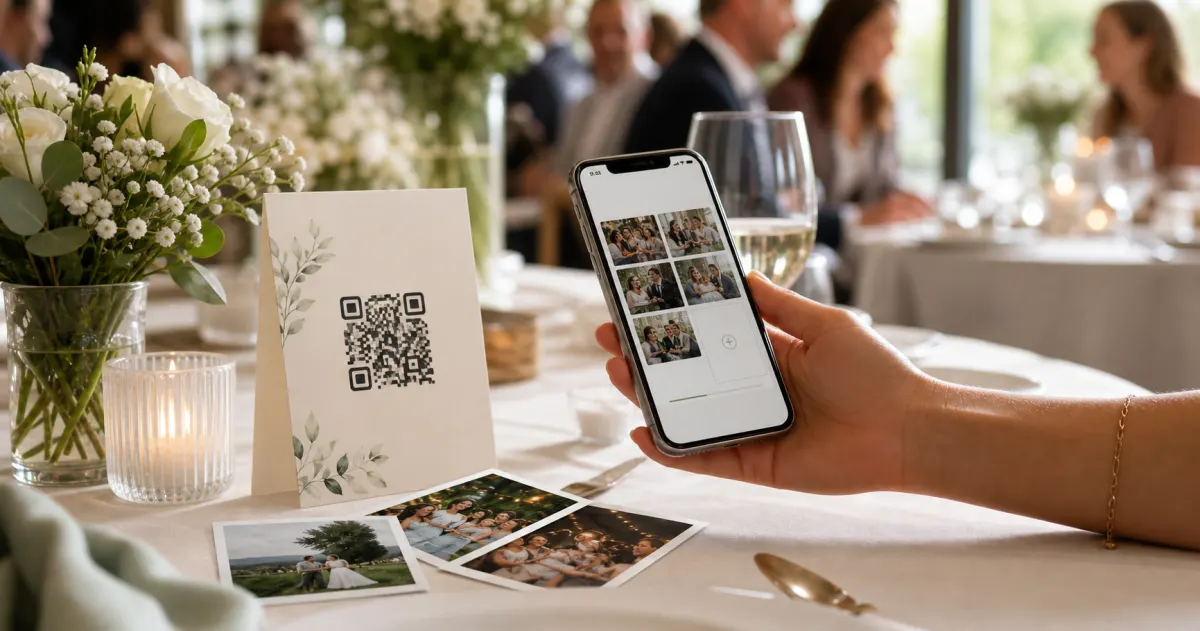
GuideHow to collect photos from your event guests (the easy way)
A printed QR code on the table collects more photos than any link in a group chat -- here is why, and how to set one up in two minutes.
 Story
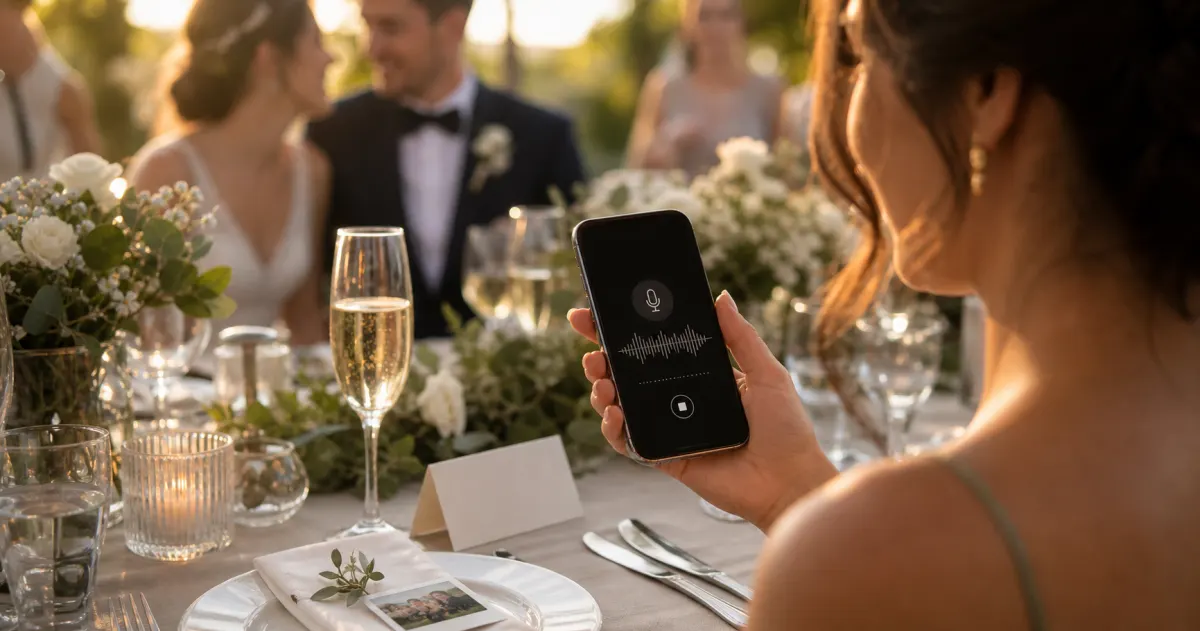
StoryThe most underrated wedding keepsake: guest voice messages
Guest voice messages are the wedding keepsake couples replay most -- real voices, real pauses, the things people said when they actually meant them.
 Guide
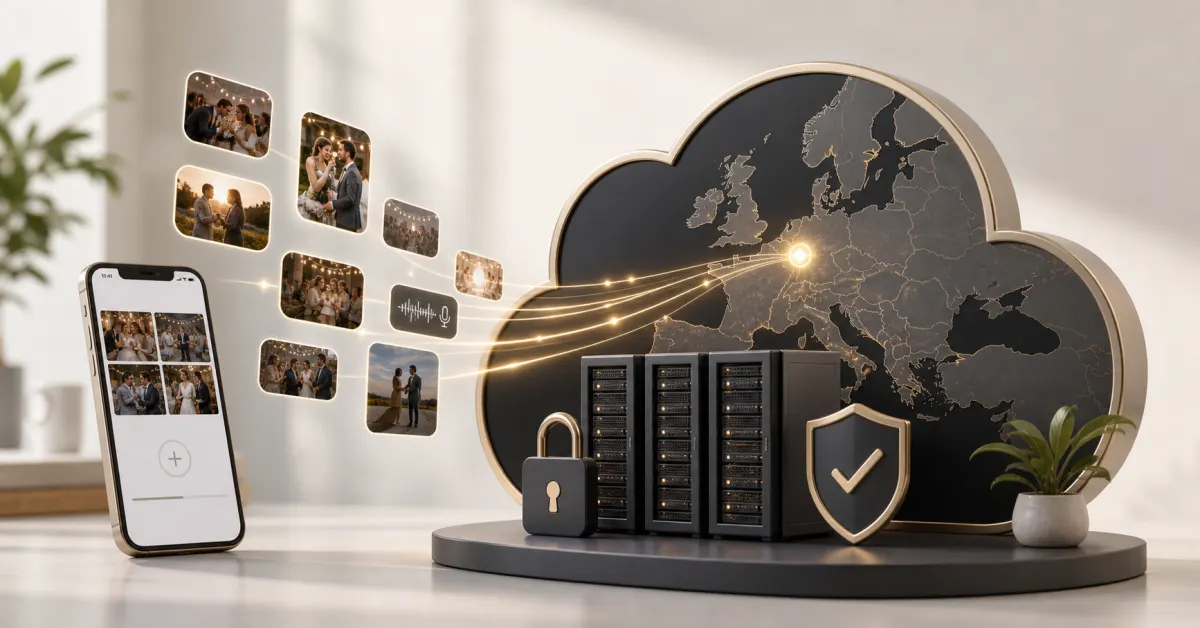
GuideCollecting guest photos in the EU without the GDPR headache
Consent, data residency, and erasure -- the three things that make event-media GDPR-compliant, and how to get them right by default.