
An 80th birthday is not just another party. It is eighty years of stories in one room — and, very often, a few people who matter most who couldn't get on a plane to be there.
That tension is the whole challenge. You want the day to feel big. But the things people actually keep from it are small: a handful of phone photos, scattered across a dozen camera rolls, half of them never looked at again. So below is a real-feeling walkthrough — an illustrative example, not a real named family — of how one family planned an 80th that everyone remembers, and, crucially, how they collected every photo and every video message in one place. Including the ones from the grandkids who live abroad.
This is an illustrative example. "The Hendersons" are a composite, written to show how the pieces fit together. The product facts, prices, and rules in this article are all verified — the family is the storytelling device.
The brief: an 80th, three generations, two missing grandkids
Picture it. Grandad is turning 80. There will be roughly fifty people: his children, their partners, the neighbours he's had for forty years, a couple of old colleagues, and the grandchildren. Two of those grandchildren live on the other side of the world and simply can't make the trip.
The family wanted three things:
- A party that suited an 80-year-old — warm, social, not exhausting.
- Every photo from every guest, gathered in one place instead of lost across fifty phones.
- A way for the two grandkids abroad to be there, somehow, even though they couldn't.
Here's how they did it.
80th birthday party ideas that actually suit the guest of honour
Before the tech, the party. A few ideas that work well for a landmark birthday like this:
- A long lunch, not a late night. Daytime parties are gentler on older guests and far better for photos — natural light, everyone awake, nobody squinting in the dark.
- A memory table. Old photographs, a wedding picture, a childhood snap. It gives guests something to gather around and talk about, and it doubles as a photo backdrop.
- A "decade" theme. Eight small displays, one per decade of their life. Easy to assemble, and it gives the speeches structure.
- A single group photo, planned in advance. Decide when it happens and who calls it. The one shot everyone regrets missing at an 80th is the whole-family group photo.
- Speeches with a soft landing. Keep them short. Leave room for the video messages (more on those below) to carry the emotional weight.
None of this is complicated. The hard part isn't the party — it's making sure the day doesn't evaporate the moment everyone goes home.
The real problem: fifty phones, almost no shared photos
Here is the uncomfortable truth about modern parties. The photos get taken. They just never get collected.
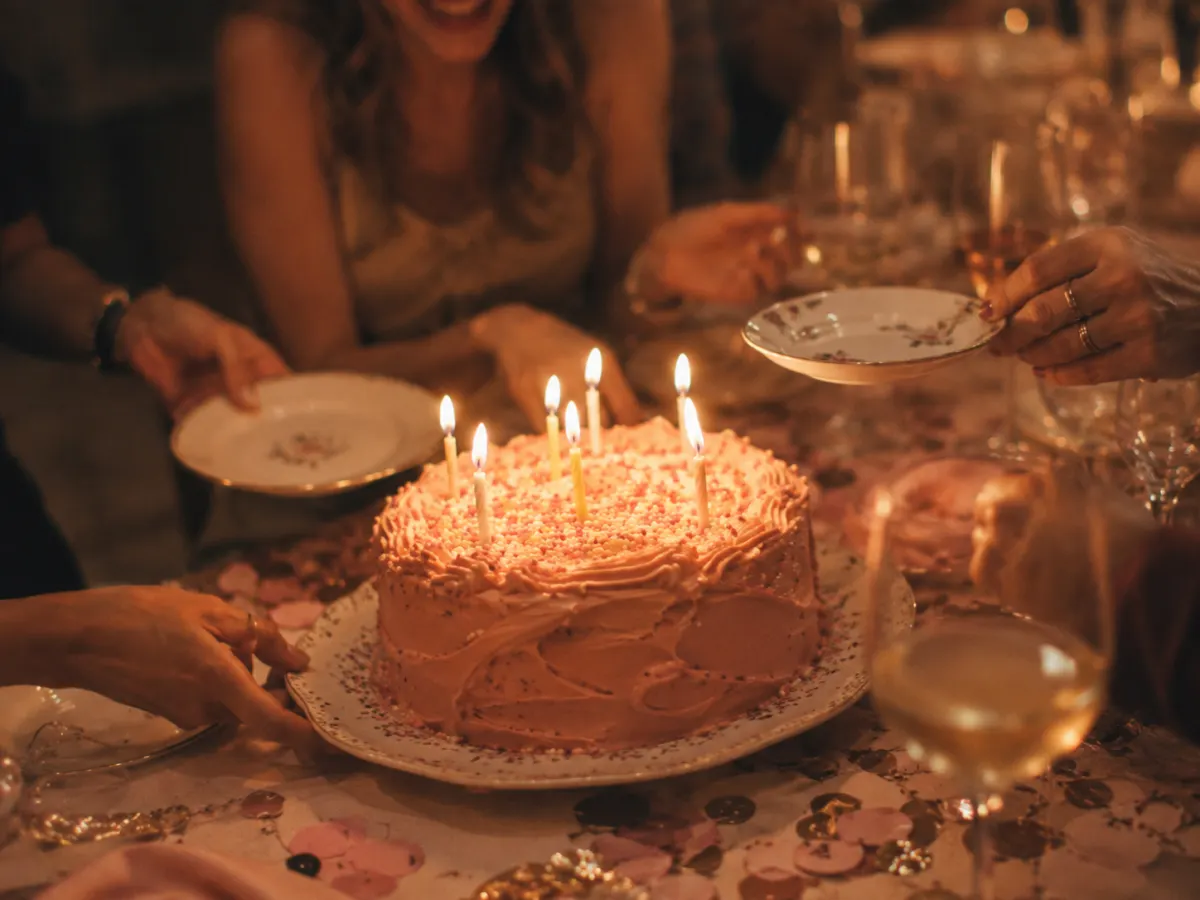
Roughly 70% of camera-phone photos are never revisited — only about 27.8% are ever meaningfully looked at again (Popsa / The Memory Economy, 2025). At an 80th with fifty guests, that means hundreds of pictures taken and a tiny fraction ever shared back to the person they were taken for. The cake, the toast, the great-grandchild on Grandad's knee — all sitting on someone else's phone, behind a WhatsApp group nobody quite gets around to posting in.
And group chats don't fix it. About 40% of people say they feel overwhelmed by group-chat messages (The Conversation, 2023). A "send me your photos!" message in a fifty-person thread is where good intentions go to die.
So the family decided not to rely on memory, goodwill, or a group chat. They set up one shared album that every guest could add to in seconds — no app, no account.
How they collected every photo: one QR code on the table
This is the part that makes the difference, and it's genuinely simple.
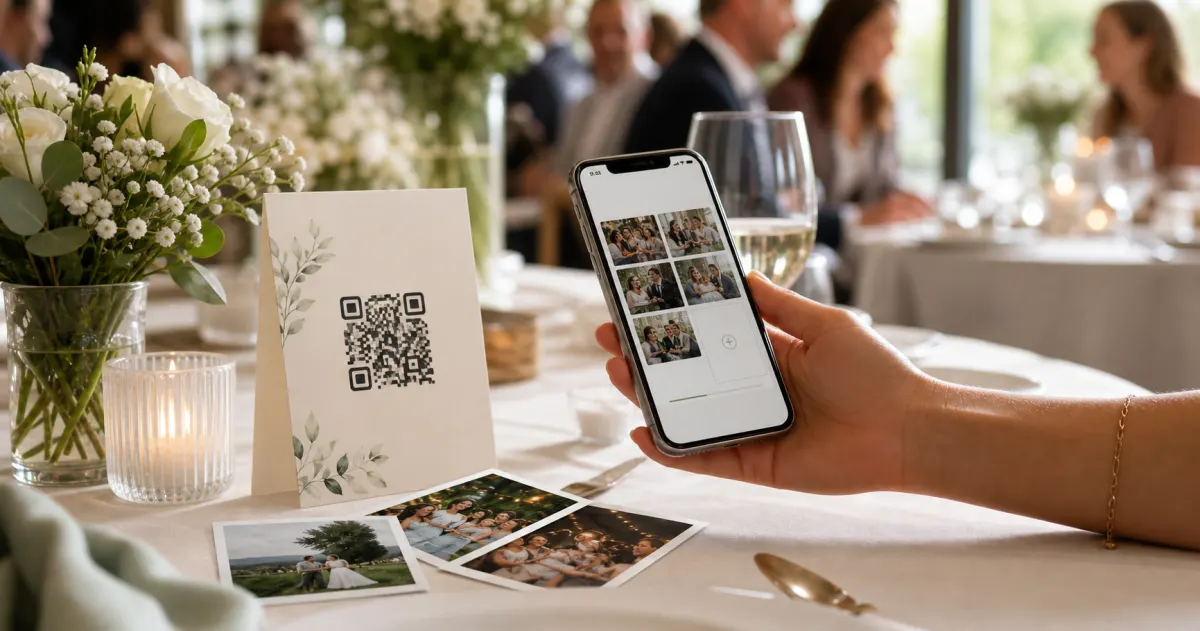
With Gathmo, you create a birthday album and get a link and a QR code. Guests scan the code with their phone camera, and their browser opens straight to the upload page. No app to download. No account to create. They pick their best shots, tap upload, done. (Gathmo gives each guest an anonymous, event-scoped session — there's nothing to sign up for.)
That "no app" part matters more than it sounds. QR codes are firmly mainstream now — 68% of consumers say they've scanned one in the past year (TEAM LEWIS, 2024) — and smartphone penetration in Germany is around 97% (Statista, 2024). At a fifty-person party spanning three generations, "scan this and upload" is something almost everyone can do, including the guests who'd never install yet another app.
Where to put the QR code
The family printed it in a few places so nobody could miss it. A couple of practical notes, since a code that's too small or badly placed simply won't scan:
- Table cards worked best for seated guests — around 3–5 cm is the right size for scanning from a seated distance.
- An A5 sign by the entrance and the cake table — at that size, 4–7 cm is comfortable for an arm's-length scan.
- Dark on light, always. A dark code on a light background scans reliably; avoid light-on-dark "inverted" codes, which trip up many scanners.
- Print a test first. Print one at the real size and scan it from where guests will actually stand before you run off fifty copies. (Sources: Uniqode; QR Insights; DENSO WAVE, captured 2026-06-06.)
By the end of the lunch, the album had photos from people who'd never have thought to send them — the neighbour, the old colleague, the cousin who took the only clear shot of the candles.
The grandkids abroad: video birthday wishes that play on repeat
This is the idea worth stealing.
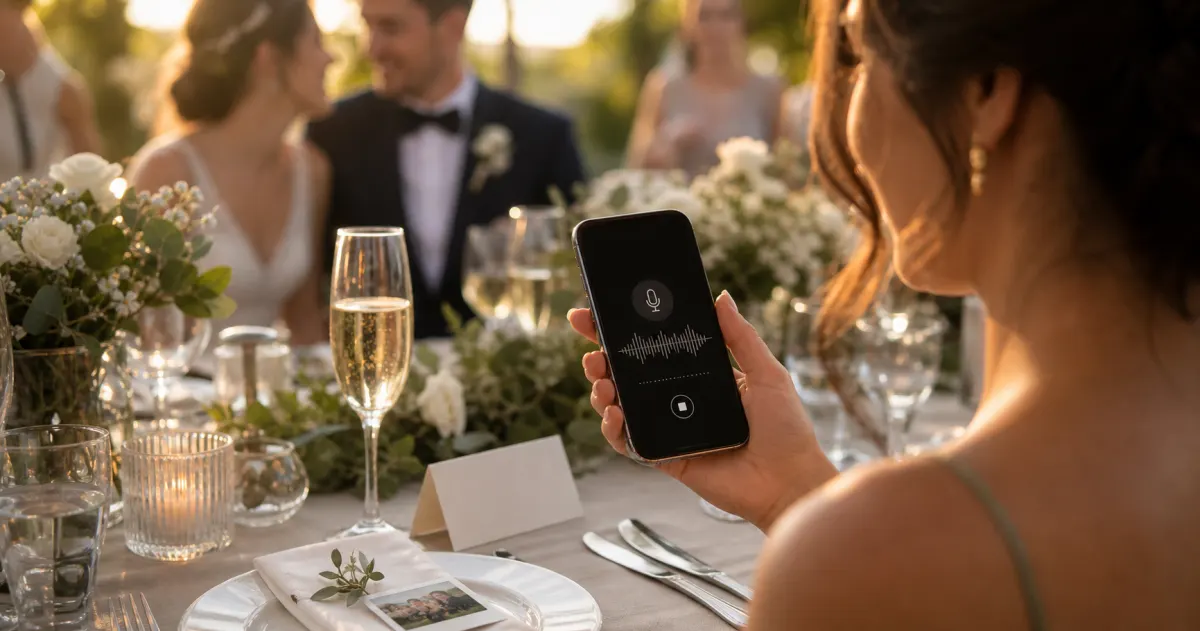
The two grandchildren who couldn't fly in didn't send a text. They recorded a video birthday message instead. With Gathmo, the same album that collects photos also collects video and voice messages — a guest (or a faraway grandchild) just opens the link and records straight from the browser. No app for them either.
So before the party, the family quietly asked the grandkids abroad to record a short message. On Celebrate, guest videos can run up to 10 minutes — plenty for "Happy 80th, Grandad, we wish we were there" with a proper story attached. (On the top Grand tier, video runs longer still.) Voice messages work the same way, and voicemail is available on every Gathmo tier — 30 seconds on Free; unlimited on paid tiers — so even the relatives who freeze on camera could leave a spoken message instead.
At the party, those messages weren't buried in an email. They landed in the album's wishes section with a simple player, and the family played them aloud after the speeches. A grandchild's face on the screen, ten thousand kilometres away, wishing their grandad a happy 80th — that's the moment people remembered. Better still, it doesn't disappear when the party ends. The album becomes a digital birthday card the guest of honour can replay whenever he likes.
A note on transcripts. If you'd like every spoken message turned into readable text — lovely for a keepsake, and helpful for older relatives — that's an automatic feature on Gathmo's Grand tier. The voice and video recording itself, though, is on every tier.
What about keeping it all, and keeping it private?
Two questions come up a lot for milestone birthdays, and both have straightforward answers.
"Will we still have the photos next year?" Gathmo keeps the album live for a set window per tier — up to 2 years (730 days) on the Grand tier — and you can download everything as one ZIP in original quality whenever you want. Good practice (and good data hygiene) is to keep things only as long as you need them: GDPR's storage-limitation principle expects personal data to be kept no longer than necessary (GDPR Art. 5(1)(e)). So download your keepsake copy, and let the live album expire when you're done with it.
"Where do our family's photos actually live?" Gathmo stores media in the EU — the database is hosted in Frankfurt, with EU data residency across its processors. For a family album full of photographs of children and grandchildren, that's reassuring. (This is general information, not legal advice.)
Could you do this with another tool?
You can collect photos with plenty of apps. The video-and-voice-messages-from-abroad part is where the field thins out fast.
Most QR photo-sharing tools focus on pictures, and a guestbook that records voice or video messages is much rarer — and one that also turns them into transcripts is rarer still. Among the competitors we track, JoinMyMoment is the only one offering voice-message transcripts (it's also EU-hosted, with sub-processors in Germany and France), priced one-time from around $3.99 to $45.99 by guest count (joinmymoment.com, as of June 2026). Several other tools include an in-browser audio guestbook — for example Wedibox ($49 / $79 one-time) and EventShare ($47 / $97 one-time) — but both are US-based, with EU residency not confirmed, and neither transcribes the recordings (as of June 2026).
What's specific to Gathmo for an 80th like this one is the combination: photos, video, and voice in a single no-app album; voice messages on every tier; EU data residency; transcripts when you want them; and per-event pricing in euros rather than a subscription you forget to cancel. (Worth being upfront: Gathmo does not offer face-recognition photo search or RSVP — both are planned for a later phase, not available today.)
A simple plan you can copy
If you're organising an 80th, here's the short version of what the family did:
- Set up one album before the day, and get the link and QR code.
- Quietly record the faraway people first — ask the grandkids abroad to send a video or voice message via the link.
- Print the QR code for the tables and the entrance — dark on light, test it once.
- Plan the group photo and tell one person to call it.
- Play the video messages after the speeches. That's the moment.
- Download everything as one ZIP afterwards, and share the album link with the guest of honour as a gift.
Eighty years deserve more than six photos in a group chat. Collect all of it — and let the people who couldn't be there be there anyway.
→ Set up your birthday album — free to start: app.gathmo.com/register?ref=birthdays
The quiet job for one organiser
An 80th usually has a lot of helpers, but the memory side needs one owner. That person checks that the QR code scans, reminds each table once, asks the absent relatives for their message before the day, and downloads the final album afterward. Keeping this role small makes it more likely to happen.
It also avoids a common family-event problem: everyone assumes someone else is saving the good material. A single organiser does not need to take every photo. They just make sure the system is visible, working, and still available after the cake, speeches, and group photo are over.