Birthday Video Messages: How to Collect Them From Friends Who Can't Make It


Not everyone can be in the room. The friend who moved to Berlin. The cousin in Brisbane. Grandma, who'd love to come but can't manage the trip. They all want to say happy birthday — they just can't say it in person.
So collect their words instead.
A short video message — thirty seconds of someone smiling into their phone — is the next best thing to being there. String a few together and you've made something the birthday person will replay for years. The trick is gathering them without turning yourself into a one-person editing studio, chasing files over WhatsApp, and praying nobody sends a clip that's sideways.
This guide walks through how to do it the easy way: one link, no apps, every message in one place.
Why video birthday messages beat a group-chat "happy bday 🎉"
A birthday in a group chat scrolls away by lunchtime. A video message doesn't.
The group chat has a quieter problem too: it's exhausting. In one survey, 40% of respondents felt overwhelmed by group-chat messages and notifications (The Conversation, 2023). And the clips people do send tend to vanish — around 70% of camera-phone photos and videos are never revisited (Popsa "Memory Economy" report, 2025). That heartfelt message from an old friend is gone by next week.
A proper collection fixes both. One place. Everything kept. The birthday person watches the whole thing — Berlin, Brisbane, and the sofa — in one sitting.
How to collect birthday video messages: the simple version
You have two honest options, and they're very different amounts of work.
Option 1 — Do it manually. Text everyone individually. Ask them to film a clip and send it back. Collect the files from WhatsApp, email, AirDrop, and that one person who insists on Google Drive. Then stitch them together yourself.
This works for five people. It falls apart at fifteen. You'll spend a weekend downloading files, fighting different formats, and renaming clips so you remember who's who.
Option 2 — Use one collection link. Share a single link (or a QR code). Each person opens it on their phone, records straight in the browser, and it lands in your album automatically. No app to install. No account to create. No files to chase.
Gathmo is built for option 2. Guests scan a QR code or tap a short link, record a photo, video, or voice message right in their phone's browser, and it appears in your album — no app, no signup (gathmo.com). The messages land in a dedicated Birthday Wishes section with a waveform player, so the recipient can play them back one after another like a digital birthday card.
The rest of this guide assumes you're doing it the easy way.
Step 1: Decide what you're collecting — video, voice, or both
Not everyone wants to be on camera. That's fine — give people a choice. Video messages are the showstopper: a face, a wave, a "we miss you." Voice messages are gentler — the shy uncle who freezes on camera will happily record forty seconds of audio, and older relatives often find it far less intimidating.
Gathmo handles both. Voice messages (Gathmo calls them voicemail) work on every tier, 30 seconds on Free; unlimited on paid tiers. Video uploads scale from 3 minutes on Free to 15 minutes on Grand (gathmo.com). For a typical birthday collection, the Celebrate tier (€39) gives you unlimited guests, unlimited photo/video items, 10-minute video clips and unlimited voice messages.
A practical tip: tell people they can leave a voice message or a video. Giving the camera-shy an easy out means you get a message from everyone, not just the extroverts.
Step 2: Share the link the right way
How you ask matters as much as where you ask.
Drop it in the group chat — once. A single link with a clear instruction beats ten reminders: "Recording birthday messages for Mum's 60th 💛 Tap here, hit record, say hi. Takes 30 seconds. Don't overthink it!"
Add a deadline. "By Friday" gets you ten messages. "Whenever" gets you two. People need a nudge.
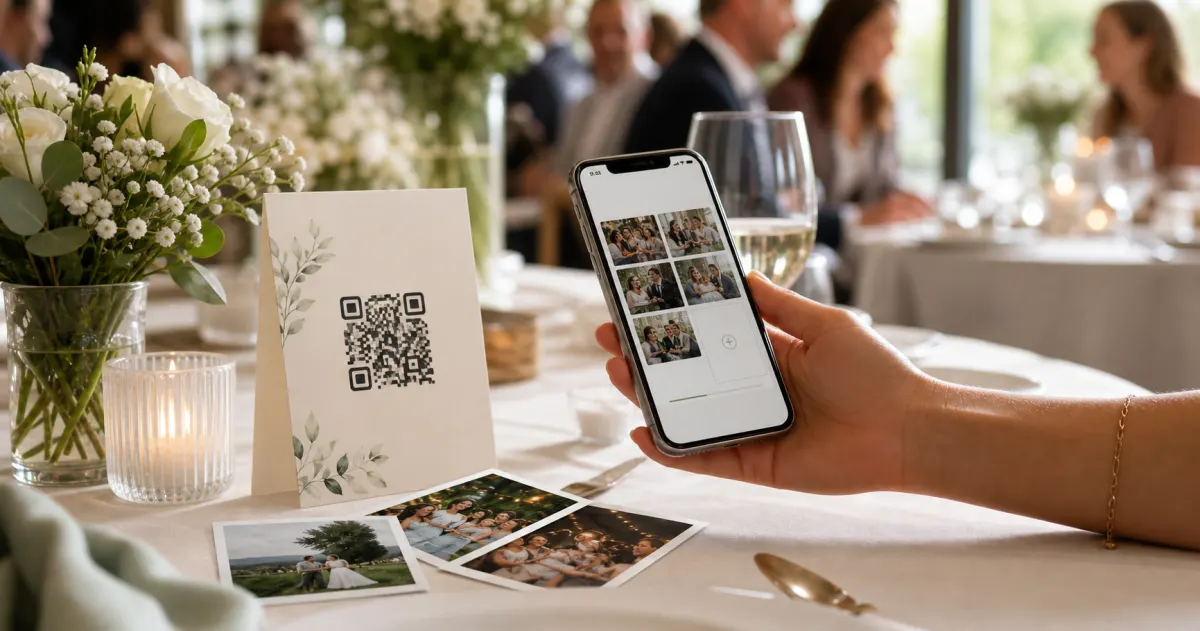
For the less techy, use the QR code. Gathmo gives every event a QR code as well as a link. If you're sending a physical card or printed invite to far-flung family, print the code on it. A few print rules so it actually scans:
- Keep it at least 2 × 2 cm — that's the reliable minimum for an arm's-length scan (Uniqode QR sizing guide).
- Leave a clear blank margin (a "quiet zone") of about four code-modules around all four sides; busy backgrounds kill scans (DENSO WAVE / ISO/IEC 18004).
- Use dark on light, never light on dark — many phone cameras struggle with inverted codes (QR Designer).
- Test-print and scan it yourself before you send a hundred of them (Uniqode).
The QR habit is mainstream now — 68% of consumers have used a QR code in the past year (TEAM LEWIS, 2024) — so even relatives abroad almost certainly have a phone that can scan and record.
Step 3: Give people a prompt (so nobody freezes)
The single biggest reason people don't send a birthday video isn't laziness — it's the blank stare into the camera, not knowing what to say.
Hand them a line. A short prompt removes the panic:
- "Share your favourite memory of them in one sentence."
- "Finish this: 'The thing I love most about you is…'"
- "Tell them the funniest thing you've ever done together."
- "Just say happy birthday and where you're calling from."
That last one is gold for milestone birthdays. A montage of "Happy birthday from Berlin!" / "From Brisbane!" / "From the sofa next door!" is genuinely moving — it shows the birthday person how far their reach goes. These decade milestones are the moments people make an effort for; one industry write-up notes the 30th has the highest splurge rate of any birthday (Party Genius AI, 2026, illustrative).
Step 4: Watch them roll in — and keep them forever
As messages arrive, they appear in your album in real time. No downloading, no sorting, no "wait, who sent this one." Each clip is already attached to your event.
When you're ready, download everything in one ZIP at original quality — every paid Gathmo tier includes batch download (gathmo.com). From there you can play them as a slideshow at the party, hand the recipient the album link as their gift, or keep the lot.
How long you keep them depends on your tier: retention runs from 6 months on Essential to a full 2 years on Grand. The Grand tier also adds an automatic transcript of each voice message — handy for relatives who'd rather read Grandma's words than rewatch the clip, and a genuine help for the hard-of-hearing. Worth knowing: transcripts are rare here — among the tools we track, only one competitor offers them at all.
A quick word on privacy (because these are people's faces and voices)
When you collect video messages, you're collecting personal data — faces, voices, names. For a private family birthday, that's almost always fine: an individual sharing media within a private circle generally falls under the GDPR's "purely personal or household activity" exemption (GDPR Art. 2(2)(c)). Two things still matter:
- Where the data lives. Gathmo stores all media in the EU — Postgres in Frankfurt, EU-jurisdiction object storage, with processor agreements in place (gathmo.com). If you'd rather grandkids' video messages didn't sit on a US server, that's the distinction to look for; several popular video-gift tools are US-based.
- Deletion on request. If someone changes their mind, they have the right to have their clip erased, and the platform must act without undue delay — within one month under GDPR Art. 12(3)/17. Gathmo supports deletion of any single message.
This is general information, not legal advice — for a specific situation, check with a qualified adviser.
Doing it for a surprise party? Use Surprise Mode
Collecting messages before a surprise party is its own headache: you need everyone's clips in one place without the birthday person stumbling onto the album. Gathmo's Surprise Mode is built exactly for this — gather pre-party messages without the birthday person ever seeing them, until you reveal everything at the big moment (gathmo.com/birthdays). Shh. They don't know yet.
How Gathmo compares for collecting birthday messages
Most "birthday video" tools are compilers — you gather clips somewhere else, then pay to stitch them into one montage. That's a different job from simply collecting everything, photos and voices included, in a place the birthday person can keep.
Among the QR-based collection tools we track (prices verified from each provider's own pages, June 2026; kept in native currency):
- Gathmo — voice and video messages, no app or signup for guests, a dedicated Birthday Wishes section, EU data (Frankfurt), Surprise Mode, batch ZIP, and voice transcripts on the top tier. Per-event Free / €19 / €39 / €79.
- JoinMyMoment — the one other tool here with an in-browser audio guestbook and transcripts, and it's EU/EEA-hosted. One-time pricing from $3.99 up to $45.99 by guest count, with B2B pricing on request.
- Wedibox — in-browser audio guestbook and video, $49 / $79 one-time, but US-based with cosmetic branding only and no voice transcripts.
- Kululu — simple and photo-centric with a free tier ($39 / $99 one-time), but no audio guestbook, so no voice messages, and data on Google Cloud with no EU region.
If your goal is collecting heartfelt video and voice messages from people who can't make it — and keeping them somewhere private and EU-hosted — a collection tool beats a compiler. You're not making a one-off montage; you're building something the birthday person keeps.
Share the album link with remote guests before the event
Create a Gathmo event and share the album link at least one week before the party. Guests who cannot attend can open the link on any device -- no app, no account -- and upload a video birthday message or record a voice wish from wherever they are.
Include a specific recording prompt in the message
When sharing the link, add a suggested question: 'Record a short video or voice wish for [Name] -- what is your favourite memory together?' A specific prompt produces responses guests are proud to share; an open invitation produces short, generic clips.
Collect video uploads alongside voice messages
The Gathmo upload page accepts video clips (up to 5 minutes on Essential, 10 minutes on Celebrate) and voice recordings alongside photos. Guests record directly in the browser or upload from their camera roll -- whichever is easier for them.
Download and share the message collection
After the party, download the archive ZIP from the host dashboard. Video files and audio recordings are in separate folders alongside the photos. Share the Gathmo album link with the birthday person so they can watch messages at their own pace.
Frequently asked
Share one collection link or QR code instead of texting everyone individually. Each person opens the link, records a video or voice message in their phone's browser, and it lands in your album automatically — no app, no account, no files to chase.
Most "free" video tools are free to collect but charge to compile or download. Gathmo has a genuinely free tier (100 uploads, 3-minute video, 30-second voice), and batch download of the originals is included on every paid tier from €19.
Send them the link or QR code with a short prompt ("Just say happy birthday and where you're calling from"). They record on their own phone, wherever they are, and it appears in your album next to everyone else's.
Yes — Gathmo's Surprise Mode lets you gather pre-party messages without the birthday person seeing the album until you reveal it.
Clips of 30 to 90 seconds work best: long enough to say something genuine, short enough that distant relatives and children will actually record one. Brief contributors with a specific prompt — tell a memory, say something that made you laugh together, or sing a line of a birthday song — rather than an open record a message. Short, specific prompts produce warmer content than blank permission. On Gathmo, Celebrate and Grand tiers support video clips up to 10 and 15 minutes respectively, so there is no hard cutoff — the 90-second guideline is about quality, not a platform limit.
Frame it as a gift, not a task. A card that says add a 30-second birthday message — tell a memory or a wish — is warmer than please submit a video. The QR code does the heavy lifting: guests scan and they are in the browser recorder instantly, no app, no account. The biggest barrier is usually not willingness but uncertainty about how. A short written prompt on the card and a brief mention from the organiser at an obvious moment (dessert, a group gathering) typically doubles participation over a silent QR code alone.
30 to 90 seconds is the optimal length: long enough to say something meaningful, short enough that the birthday person can watch all of them in a single sitting without fatigue. Messages over 2 minutes are rarely watched in full. Gathmo's Free tier allows 3-minute video uploads; paid tiers (Essential 19 EUR; Celebrate 39 EUR; Grand 79 EUR) support up to 15-minute clips. If you are running a video message station at the party, brief guests with a prompt: Tell us your best memory with [name] in under a minute. A specific prompt consistently produces warmer, more watchable messages than an open instruction.
 Guide
GuideHow to collect photos from your event guests (the easy way)
A printed QR code on the table collects more photos than any link in a group chat -- here is why, and how to set one up in two minutes.
 Story
StoryThe most underrated wedding keepsake: guest voice messages
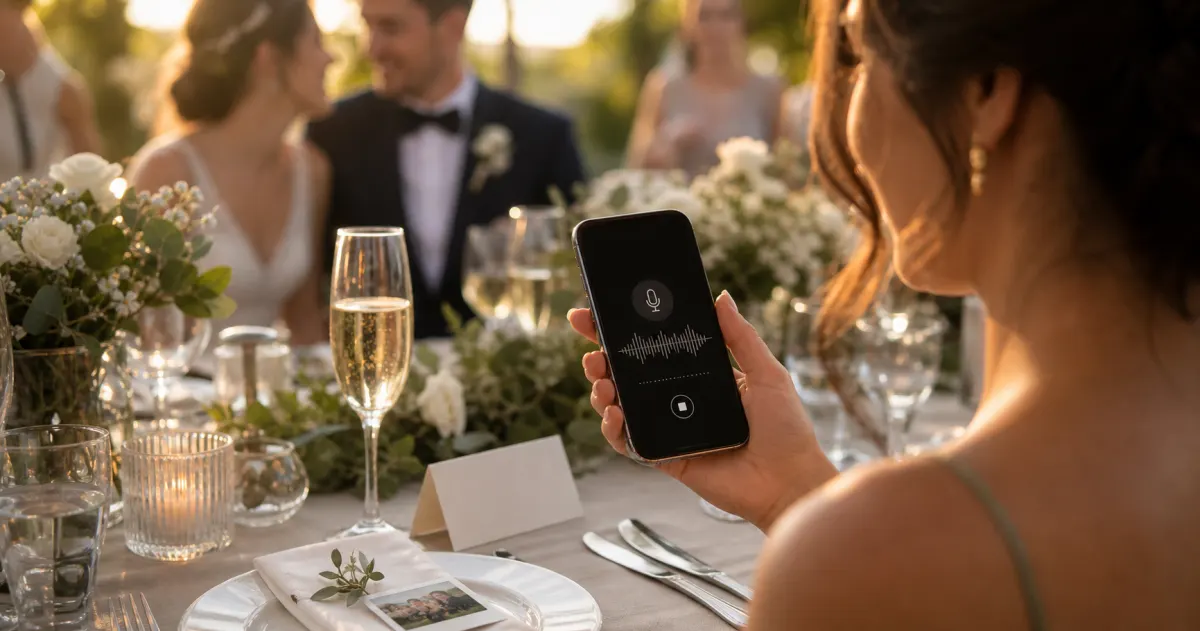
Guest voice messages are the wedding keepsake couples replay most -- real voices, real pauses, the things people said when they actually meant them.
 Guide
GuideCollecting guest photos in the EU without the GDPR headache
Consent, data residency, and erasure -- the three things that make event-media GDPR-compliant, and how to get them right by default.