How to Collect Every Guest's Birthday Photos Without a Separate App


Here's the moment. The candles are lit. Twelve phones go up at once. Everyone gets the shot.
Then the party ends — and you have your own 40 photos and nobody else's.
That's the gap. Your guests captured the best moments of the day, and those moments are now scattered across fifteen camera rolls you'll never see. A few people text you a couple. Most forget. And the candid one of your kid mid-laugh, taken by a friend across the room? Gone, basically. It exists, but it might as well not.
This guide fixes that. You'll collect every guest's birthday photos in one place — no separate app, no logins, no chasing people in a group chat for weeks. Just a link or a QR code anyone can use in seconds.
Why guest photos vanish after a birthday party
It's not that people don't want to share. It's that sharing is a hassle, and the hassle wins.
Think about what you're actually asking a guest to do the old way. Find your number. Open WhatsApp. Pick which of their 60 photos to send. Wait for them to upload. Repeat for the video. Most people do one of these, get distracted, and forget. By Tuesday it's gone from their mind.
And even the photos that do get taken mostly disappear into the void. Around 70% of camera-phone photos are never revisited — only about 27.8% are ever meaningfully looked at again (Popsa "Memory Economy," 2025). A birthday generates a burst of them, then they sink to the bottom of everyone's camera roll, unsorted and unshared.
The group chat isn't the answer either. It's where photos go to get buried under "thanks for having us!" and three different threads about who left a jacket. About 40% of people say they're already overwhelmed by group-chat messages and notifications (The Conversation, 2023). Adding 200 birthday photos to that is not a gift.
So the photos exist. They're just stuck. The job isn't to take more photos — it's to collect the ones already being taken, before everyone goes home and forgets.
The fastest way to collect birthday party photos from guests
The whole problem comes down to friction. So remove it.
Instead of asking guests to find you, send you files, and figure out a method, you give them one thing to do: scan a code or tap a link, then upload. No app to download. No account to create. No password. They point their camera at a QR code, a page opens in their browser, and they pick the photos. That's it.
This is exactly how Gathmo works. You create a birthday album, you get a link and a QR code, and guests scan and upload photos, videos, and voice messages straight from their phones — no app, no signup. The media is moderated and lands in one branded album you own. (How Gathmo works →)
Here's the flow, start to finish:
- Create your birthday album. Name it, set the date, pick a tier. The Confetti birthday theme is applied for you.
- Get your link and QR code. Both are generated for the event. Drop the link in the party WhatsApp group. Print the QR code for the tables.
- Guests scan and upload. They open their phone camera, scan, and the upload page opens in the browser. No download, no login. They tap their favourites and they're in.
- Everything lands in one album. You watch it fill up in real time. When the party's over, download the lot as a single ZIP and keep it.
Because there's nothing to install and nothing to sign up for, the people who normally don't share — the uncle with the cracked-screen Android, the family friend who finds tech stressful — actually do. That's the difference between collecting six photos and collecting all of them.
QR codes aren't a niche ask anymore, either. About 68% of consumers used a QR code in the past year (TEAM LEWIS, 2024), and 86.66% of UK and European smartphone users have scanned at least one, with 36.40% scanning one every week (MobileIron/Ivanti). In Germany, smartphone penetration sits near 97% (Statista, 2024). Your guests already know what to do with a QR code. You just have to put one in front of them.
Where to put the QR code so people actually scan it
A QR code only works if guests see it and it scans on the first try. A few placement rules make that reliable.
Put it where eyes already land. Table tent cards, the cake table, the gift table, the bar, the photo corner. One on each table beats one taped by the door that nobody walks past. Also drop the link in the party group chat — some people would rather tap than scan.
Size it for the distance. The rule of thumb is the 10:1 ratio: the code's printed size should be at least the scan distance divided by ten. For a table card someone scans while seated (roughly 30–50 cm away), aim for about 3–5 cm. Never go below 2 × 2 cm, even on small cards. For an A-frame sign or poster read from across the room, go much bigger — 10–25 cm.
Leave a clear border. QR codes need a blank "quiet zone" — a margin at least four modules wide on all four sides — or scanners struggle. Don't crowd the code with text or decoration right up to its edge.
Keep it dark-on-light. A dark code on a light background scans best. Avoid inverting it (light code on a dark background); many scanners choke on it. If you're putting a little birthday logo or icon in the middle, use a high error-correction level so the code still reads around it.
Test-print one before you print fifty. Print a single card at the real size and scan it from where a guest would stand, under the lighting you'll have. Glossy stock and dim party lighting can defeat a code that scanned fine on your screen.
For more sign and table-card ideas, see 10 creative ways to display the QR code at a birthday party.
Don't forget the people who couldn't make it
The best part of collecting everything in one place isn't only the photos. It's that the same link can gather messages — including from people who weren't even there.
This matters most for milestone birthdays. A 70th, an 80th, a big landmark. Half the magic is the cousin in another country, the old friend who can't travel, the grandkid abroad — the people who want to say something but can't be in the room.
With Gathmo, guests can record a voicemail birthday message straight from the browser, on every tier (30 seconds on Free; unlimited on paid tiers), and upload video birthday wishes too. So the friend who flew home early can still leave a message from the airport. The relative across Europe can record one from their sofa. It all lands in the same album as the photos, with a waveform player for the voice messages. On Grand and B2B plans, voicemails also come with a written transcript.
It turns "collect the photos" into "collect the whole day." (See how birthday wishes work →)
Planning a surprise? You can collect photos and video wishes from guests before the party without the birthday person ever seeing the album, using Surprise Mode. Shh. They don't know yet. (Surprise party guide →)
Keeping kids' party photos safe
If it's a children's party, "where do these photos go?" is a fair question to ask before you collect anything — and the right answer is reassuring.
A few things to look for in any tool you use:
- EU data storage. Gathmo stores all media in the EU (Frankfurt data centres), with data-processing agreements in place with its providers — not a server overseas.
- Private album, not the public internet. Your album is visible only to people you share the link with. It isn't publicly indexed, and as the host you control who gets the link.
- Deletion on request. Under the GDPR's right to erasure (Art. 17), a person can ask for their data to be deleted, and a controller must act without undue delay — within one month, extendable to three for complex cases (Art. 12(3)). So if a parent asks you to remove a photo of their child, you can.
- Moderation before it's public. On paid tiers, uploads pass through AI moderation plus a human review queue before they appear.
One thing to set expectations on: Gathmo does not use face recognition to find or tag people — that's a possible future feature, not part of the product today. For a children's party, that's arguably a plus: no faces are being scanned or matched.
This is general information, not legal advice. For a children's party, a quick word with parents about how photos will be shared is always good manners as well as good practice. For a fuller walkthrough, see our GDPR guide for parents.
What to do with the photos after the party
Collecting them is step one. Here's the easy part.
- Download everything in one go. Every paid tier gives you a single ZIP of all the photos and videos at original quality. No saving them one by one.
- Share the album back. Send the album link to the birthday person and the whole family as a gift. One link, no WhatsApp chain, no "can you AirDrop me that one." Grandma can open it in a tap.
- Keep it as long as you need. Retention runs from 30 days on the Free tier up to 2 years on Grand, so the album doesn't vanish the week after the party.
That's the whole point: instead of "I have my 40 photos," you end up with the full story of the day — every angle, every candid, every laugh someone else caught — in one place you actually own.
Which Gathmo plan fits your birthday?
You can start free and upgrade only if the party's big.
| Tier | Best for | Guests | Voicemail | Retention | Price |
|---|---|---|---|---|---|
| Free | A small family gathering | Unlimited | 30 s | 30 days | €0 |
| Essential | An average birthday party | Unlimited | Unlimited | 6 months | €19 |
| Celebrate ★ | A milestone with family and friends | Unlimited | Unlimited | 1 year | €39 |
| Grand | A big landmark event | Unlimited | Unlimited + transcript | 2 years | €79 |
★ Most popular. Prices are per event in EUR. Video length runs from 3 min on Free up to 15 min on Grand; live slideshow is on Celebrate and up; live streaming and custom domain are on Grand.
Set up your birthday album — free to start →
Create your birthday album on Gathmo
Sign up free, create an event with a name and date, and download the QR code from the host dashboard. The album is private by default and starts empty; nothing is collected until guests use the link.
Print a QR table card for every table
Download the QR code as SVG or PNG at 300 DPI. Print one 3-5 cm code per table card and place a card at every table, the bar, and the cake table. Test-scan from seated distance (30-50 cm) before printing the full batch.
Let guests upload photos during the party
Guests point their phone camera at the QR code -- no separate scanner app needed on modern smartphones. The upload page opens in the browser; guests choose photos, record a voice message, or upload a short video with no app and no account required.
Download the archive after the party
From the Gathmo host dashboard, download a ZIP of all uploaded media within the first week while you can still remember the context. The archive includes photos, video clips, and audio recordings in their original quality.
Frequently asked
Create a shared album, then give guests a link or QR code to upload their photos. With a no-app tool like Gathmo, guests scan the code or tap the link, their browser opens, and they upload straight from their phone — no download and no account. Everything lands in one album you control.
Yes. The point of a QR-code album is that there's nothing to install. Guests scan with their phone's normal camera, a web page opens, and they pick their photos. No app store, no signup, no password.
Gathmo has a free tier for up to 100 uploads with a 30-day retention window — enough for a small gathering. Larger or longer events move to a paid per-event plan (from €19).
Share the same album link with them. They can upload photos remotely and record a voicemail or video birthday message from anywhere — handy for milestone birthdays where relatives or friends abroad still want to take part.
A shared album beats a group chat for volume: guests select all the photos they want and upload them in one go, rather than sending files one at a time. You then download the whole album as a single ZIP afterwards.
Three things consistently drive guest uploads: (1) a QR code on every table card (not just one sign), so guests see it while seated; (2) a specific prompt such as add your photo and leave a birthday message rather than just a QR code; (3) a brief mention from whoever gives the toast. The browser-based approach matters: if guests scan and land on an upload screen with no app and no account, most of them upload. If they hit a login page, most do not. With a well-placed QR code and an MC mention, a typical birthday party sees 30 to 50% of guests uploading at least one photo.
Gathmo is the strongest option in the no-install category: guests scan a QR code, the browser opens the upload screen, and photos land in the album within seconds. No app, no account, no email required. Alternatives with a no-install browser flow include GuestCam, Kululu, EventPics, Fotify, and JoinMyMoment. Key distinctions: data location (Gathmo EU-hosted, GuestCam and Fotify US-based), audio guestbook inclusion (Gathmo: every tier including free; not all others), and album retention (30 days on Gathmo free tier; up to 2 years on Grand, 79 EUR per event).
 Guide
GuideHow to collect photos from your event guests (the easy way)
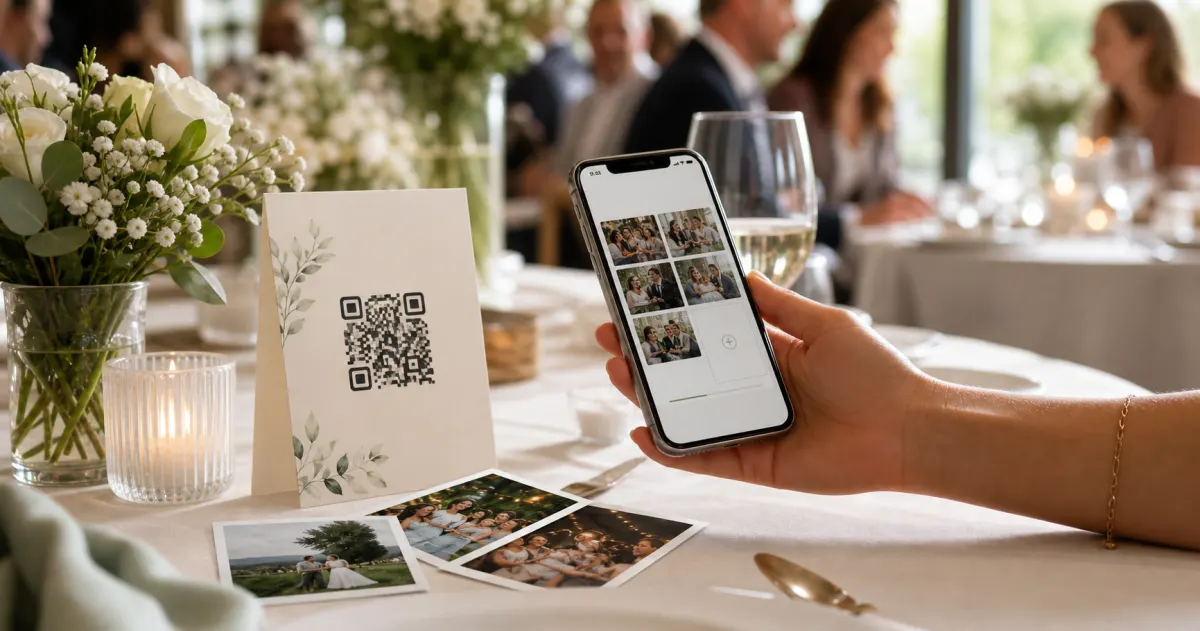
A printed QR code on the table collects more photos than any link in a group chat -- here is why, and how to set one up in two minutes.
 Story
StoryThe most underrated wedding keepsake: guest voice messages
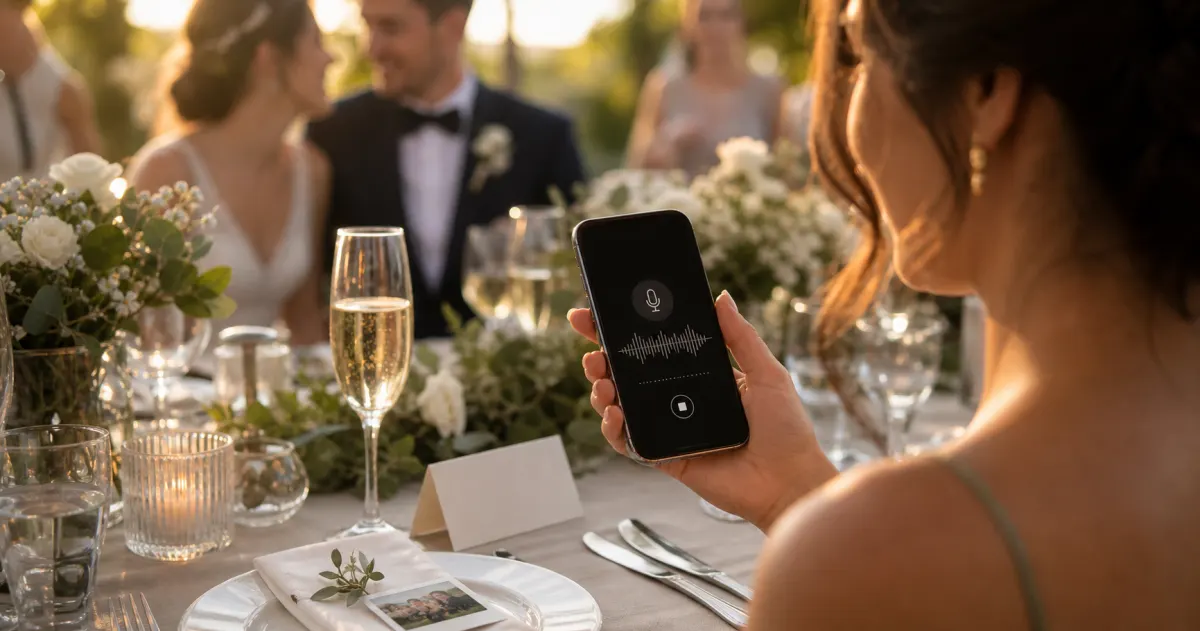
Guest voice messages are the wedding keepsake couples replay most -- real voices, real pauses, the things people said when they actually meant them.
 Guide
GuideCollecting guest photos in the EU without the GDPR headache
Consent, data residency, and erasure -- the three things that make event-media GDPR-compliant, and how to get them right by default.