The In-Browser Audio Guestbook: How to Collect Voice Messages With No Hardware

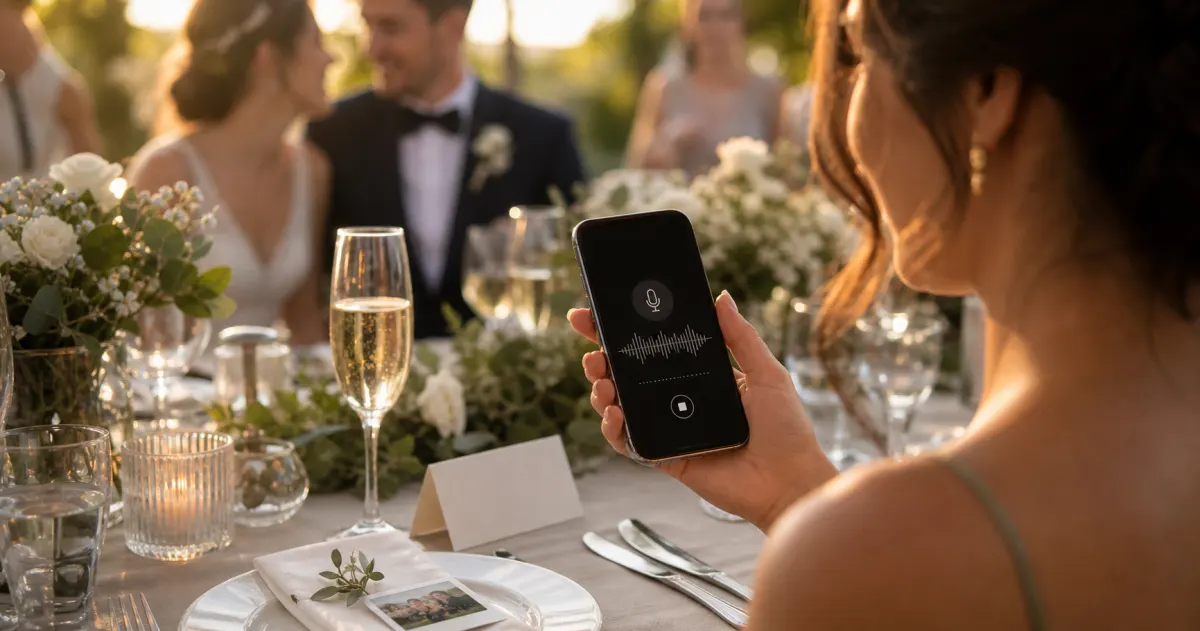
A photo shows you the moment. A voice message gives it back to you — the laugh, the slightly-too-emotional toast, the niece who recorded a whole song. That's the appeal of an audio guestbook: instead of guests signing a card no one reads again, they leave a recording you'll actually want to keep.
The classic way to do this is to rent a hardware setup — a retro telephone handset wired to a recorder, parked on a table all night. It looks lovely, but it costs money for one evening, only one person can use it at a time, and the recordings live on a box you have to collect and offload afterwards. Search for audio guestbook and most results are rental listings: "telephone," "phone booth," "hire," "rental," "stand." That's what most people assume an audio guestbook is.
It doesn't have to be hardware at all. An in-browser audio guestbook lets every guest record a voice message straight from their own phone — no rented handset, no app to install, no account to create. They scan a QR code, tap record, and you have the message. This guide explains how it works, what to look for, and where the honest trade-offs are.
Enable the audio recording feature on your Gathmo event
The voice recording feature is included on every Gathmo tier including free. When guests open the album upload page, a microphone button appears alongside the photo and video upload options -- no additional setup required.
Promote the voice option on the table card
Add 'or record a voice message' to your table card instruction. Many guests would not record audio without being explicitly invited; this addition alone doubles voice message uptake at most events compared to a photo-only prompt.
Set a specific recording prompt
Print a question on the table card: 'Tell us your favourite memory of the couple' or 'Record your birthday wish.' A specific question produces genuine 30-90 second recordings; an open invitation produces short, hesitant clips.
Download and play back the recordings after the event
In the Gathmo dashboard, audio recordings appear as waveform players alongside uploaded photos. Download all recordings in the archive ZIP. On the Grand tier (79 EUR), every voice message also includes an automatic written transcript.
Frequently asked
Yes. An in-browser audio guestbook runs in the phone's normal web browser. With Gathmo, guests scan a QR code, grant microphone access for that page, and record — no app install and no account.
No. The hardware telephone is one option (and a charming centrepiece), but an in-browser guestbook uses guests' own phones, so there's nothing to rent, set up, or collect afterwards. Gathmo also offers an optional dial-in number on its top and business tiers if you want a call-in option too.
It depends on the tool and tier. On Gathmo, message length is 30 seconds on the Free tier; unlimited on all paid tiers.
With most tools, no. Gathmo provides automatic transcripts on its Grand and business tiers; among the competitors here, JoinMyMoment also offers transcripts. Most others record audio only.
A voice recording is personal data, so storage location and retention matter. Gathmo hosts in the EU and applies defined retention windows. Tell guests what you're collecting at the point of recording (GDPR Art. 13(1)) and honour any deletion requests (Art. 17(1)). This isn't legal advice.
An in-browser audio guestbook lets guests record voice messages directly in their phone's web browser: they scan a QR code, the browser opens the recording screen, they tap record, speak, and tap stop -- the message is in the album immediately. No app, no hardware, no physical booth required. A dedicated audio guestbook phone booth is a physical prop (a retro handset connected to a recording service) that produces a more theatrical experience but requires hardware rental, physical space, and typically a per-recording fee. The in-browser version costs a fraction as much (included on every Gathmo tier including free), handles unlimited recordings, and works from anywhere -- a guest at home can record a message before or after the event.
Guest messages improve significantly with a specific prompt on the table card or sign. The most effective prompts: Tell a memory involving [person's name] (specific and personal), Share what you'd like [name] to know in 10 years from now (forward-looking and reflective), or Sing the first line of a song that reminds you of [name] (playful, low-barrier). Open-ended prompts (leave a message) produce shorter, more generic recordings. A specific question produces longer, more personal messages. For weddings and milestone birthdays, the best messages are usually responses to questions the couple or family would love to be asked but would never think to ask their guests themselves.
 Guide
GuideHow to collect photos from your event guests (the easy way)
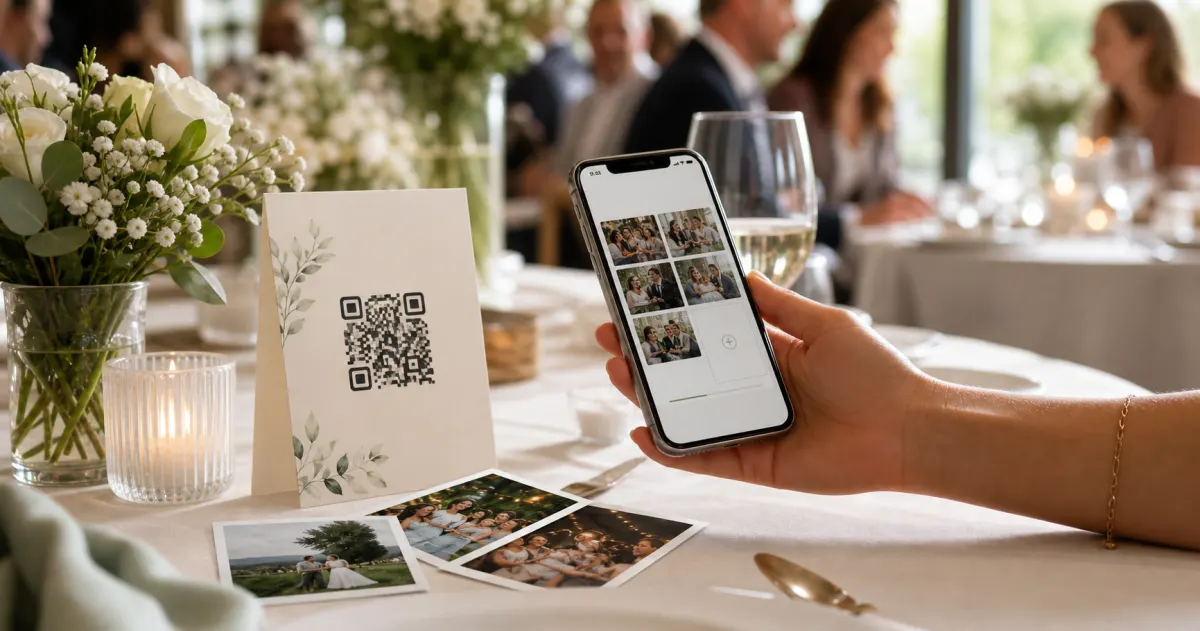
A printed QR code on the table collects more photos than any link in a group chat -- here is why, and how to set one up in two minutes.
 Guide
GuideCollecting guest photos in the EU without the GDPR headache
Consent, data residency, and erasure -- the three things that make event-media GDPR-compliant, and how to get them right by default.
 Story
StoryThe most underrated wedding keepsake: guest voice messages
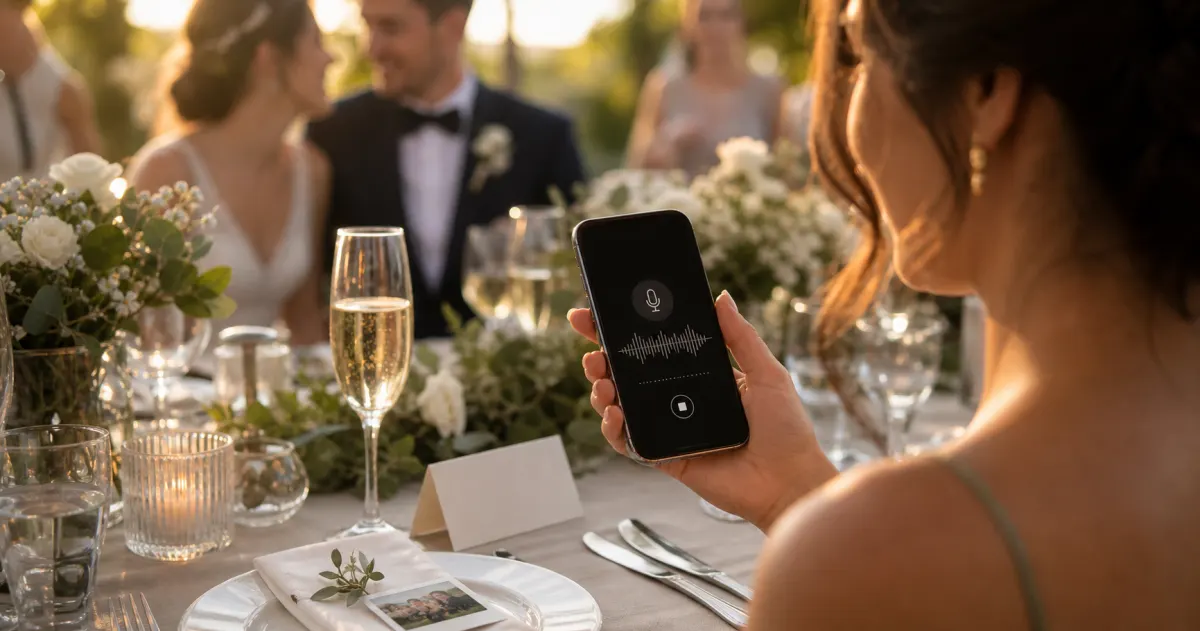
Guest voice messages are the wedding keepsake couples replay most -- real voices, real pauses, the things people said when they actually meant them.