What Is a QR Code Event Album? How It Works and Why Guests Love It

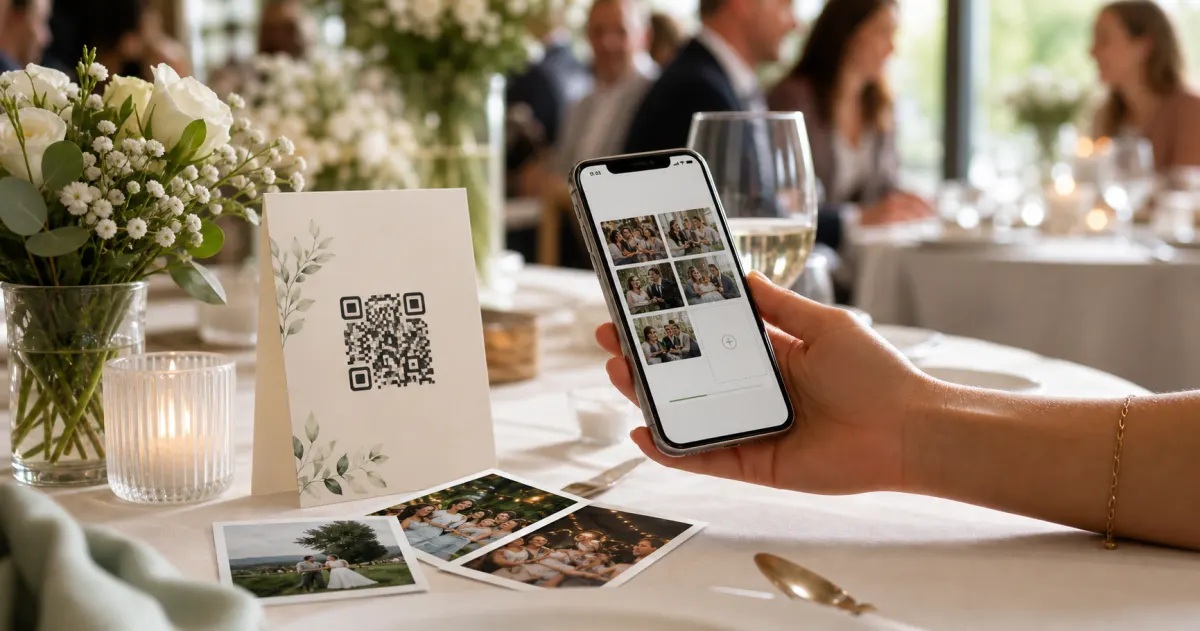
By the end of any good event, the best photos aren't on the official photographer's camera. They're scattered across forty different phones — the candid laugh between the speeches, the dance floor at midnight, the kids under the table. Most of those photos never reach the host. A QR code event album is the simplest fix anyone has found for that problem: one code, one scan, and every guest's photos, videos, and voice messages land in a single shared album.
This guide explains exactly what a QR code event album is, how it works step by step, why guests actually use it (when they refuse most event apps), and what to look for before you pick one. No jargon, no sales pitch — just how the thing works.
What is a QR code event album?
A QR code event album is a private, shared photo-and-video album that guests contribute to by scanning a QR code with their phone. Instead of asking everyone to download an app, create an account, or text you their pictures one by one, you print or display a single code. A guest points their camera at it, a web page opens, and they upload straight from their camera roll — or take a photo or video on the spot. Everything they add appears in one collection that you, the host, control and can download.
The "album" part matters as much as the "QR code" part. It isn't just an upload box: it's a destination. After the event, you have a single, organised place with everything in it — not a group chat where photos get buried under messages, and not a dozen separate AirDrop dumps you have to stitch together by hand.
With Gathmo, that album holds three kinds of moments: photos, videos, and voice messages — guests can leave a spoken note as easily as they leave a picture. The promise behind it is the simplest version of the whole idea: every guest, every moment, one link.
How a QR code event album works, step by step
Here's the entire flow, from the host's side and the guest's side.
1. You create the event and get a code. You set the event name, date, and type, and the platform generates a QR code and a short link instantly. With Gathmo this takes about a minute, and you get both a scannable code and a short URL (for example, a gathmo.com/c/CODE-style link) so guests can reach the album even without scanning.
2. You display the code where guests will see it. Print it on table cards, an A-frame at the entrance, the back of the menu, or a banner near the dance floor. (Sizing and placement matter more than people expect — see the practical specs further down.)
3. Guests scan with their phone — no app, no signup. Every modern phone camera reads a QR code natively; there's nothing to install. The code opens a web page in the guest's browser. A good event album asks for nothing else: no account, no email, no password. With Gathmo, a guest joins through an anonymous, event-scoped token — they're in within seconds, and they never create an account.
4. Guests upload photos, videos, and voice messages. From the same page, a guest can pick photos and clips from their camera roll, shoot something new, or — on platforms that support it — record a short voice message. Their contributions appear in the shared album.
5. The album fills up in real time, optionally on a big screen. As uploads come in, the album grows. Many platforms (Gathmo included, from its mid tier upward) can display a live slideshow on a screen at the venue, so the room sees the moments as they happen. On the top tier, Gathmo can even run a real live stream rather than just a rotating slideshow.
6. You download everything afterwards. When the event ends, you download the full collection — typically as a single batch ZIP in original quality — and keep it, print it, or share it with whoever matters.
That's the whole mechanism. The cleverness is in what it removes: no app store, no logins, no "can you send me that one?" texts for the next three weeks.
Why guests actually use it (when they ignore most event apps)
Hosts worry that guests won't bother. The opposite tends to be true — but only when the friction is genuinely zero. A few reasons it works:
- The phone already does the hard part. QR codes have crossed firmly into mainstream habit. In one US survey, 68% of consumers said they'd used a QR code at least once in the past year, and a UK/EU study found that 86.66% of smartphone users had scanned at least one, with 36.40% scanning at least one every week. Scanning isn't a novelty anymore; it's muscle memory. (TEAM LEWIS, 2024; MobileIron/Ivanti, 2020–2021)
- No app, no account, no excuse. The single biggest reason guests abandon event apps is being asked to download something or sign up. Remove that, and participation stops being a chore. Smartphone penetration in Germany was forecast to reach about 97% in 2024, so nearly everyone in the room already has the only tool they need. (Statista, 2024)
- It beats the group chat. Group chats are where photos go to drown. Around 40% of people in one survey said they felt overwhelmed by group-chat messages and notifications — and a buried photo is a lost photo. An album keeps the moments and skips the noise. (The Conversation, 2023)
- Otherwise, the photos vanish. Roughly 70% of camera-phone photos are never revisited in any meaningful way. The shots your guests took of your event are the ones most likely to disappear into a camera roll forever. An album is the only thing that pulls them back out. (Popsa, "The Memory Economy," 2025)
Voice messages are the quiet surprise here. A photo shows the party; a ten-second voice note from a guest captures something a photo can't. That's a big part of why an album that accepts audio — not just images — tends to feel more personal to the people contributing to it.
How to make your QR code actually scannable
A QR code event album only works if the code scans on the first try. A few sourced rules worth following:
- Size it for the distance. A reliable rule of thumb: the code's width should be at least the maximum scan distance divided by ten. A table card scanned from ~30–50 cm wants a code around 3–5 cm; an A5 entrance stand around 4–7 cm; an A-frame or poster read from 1–2.5 m wants roughly 10–25 cm; a stage banner needs to be bigger still.
- Never go below the floor. Keep any code at least 2 × 2 cm, even on a lanyard or business card.
- Leave a quiet zone. Keep a clear blank margin of at least four modules on all four sides — on busy backgrounds, give it more. Crowding the code is the most common reason a scan fails.
- Keep the contrast high. Use a dark code on a light background. Avoid inverting it (light code on a dark background); many scanners struggle with it.
- Use a dynamic code for events. A dynamic QR code points to a link you can edit later, so a typo or a changed destination doesn't mean reprinting everything.
- Always test-print first. Print a proof at the real size and scan it from where guests actually will — and under the real lighting, since glossy stock and dim rooms behave differently than your monitor. (QR-print best practice, captured 2026-06-08)
Is it private? What hosts should know
Because guests are uploading photos of real people, a little privacy awareness goes a long way — especially in Europe.
A plain photo gallery is not automatically "special-category" data under the GDPR. Under Recital 51, photographs become biometric data only when processed through a specific technical means for uniquely identifying a person — for example, facial-recognition tagging. An ordinary shared album that simply stores and shows photos generally doesn't cross that line. (Worth noting: Gathmo deliberately does not offer face recognition at launch — it's a possible future feature, not part of the product today.)
Good albums also respect storage limitation: under Art. 5(1)(e), personal data shouldn't be kept longer than necessary, so a well-designed album deletes galleries after a set period rather than holding photos forever. Guests retain a right to erasure (Art. 17) — a deletion request must be actioned without undue delay, and in any event within one month (extendable to three for complex cases, per Art. 12(3)).
Where your data physically lives matters too. Many popular tools store data on US servers. If your event involves employees, children, or anyone who'd rather their photos didn't sit overseas, EU data residency is a real consideration — Gathmo hosts in the EU (Frankfurt) for exactly this reason.
This section is general information, not legal advice. For your specific event, consult a qualified professional.
What to look for in a QR code event album
Not all albums are equal. A quick checklist:
- Truly no app and no signup for guests — the whole point. (Effectively every dedicated tool now clears this bar; it's table stakes.)
- Photos, videos and voice messages — many tools do photos and video; far fewer accept an in-browser audio guestbook.
- A live display if you want the room to see moments as they happen.
- Easy batch download in original quality, so you actually get your photos out.
- EU data residency if compliance or peace of mind matters to you.
- A free tier to try it before an event you care about.
For reference, Gathmo's per-event pricing is Free / €19 / €39 / €79, with the free tier covering up to 100 uploads so you can test the experience first. The paid tiers raise guest, video, and storage limits and add AI moderation, longer retention, a live slideshow, and — on the top tier — voice-message transcripts and live streaming.
Create a QR event album in the host dashboard
Sign into Gathmo, click Create event, enter the event name and date, and confirm. Within 30 seconds you have a dedicated album URL and a printable QR code -- no technical setup, no coding, and no integration required.
Print and display the QR code at the event
Download the QR code as SVG or PNG. Place it on table tent cards, a display sign near the entrance, and anywhere guests naturally pause. A single visible QR code is sufficient; more placements consistently produce more uploads.
Guests scan and upload during the event
Guests point their phone camera at the QR code; the browser opens a mobile-optimised upload page. Guests choose photos, record a video clip, or leave a voice message. No app download and no account are required on any device.
Access all uploads in the host dashboard
Open the Gathmo dashboard during or after the event to see uploads in real time, moderate individual items, and download the complete archive as a ZIP file when the event is over.
Frequently asked
A QR code is just an encoded link. When a guest's camera reads it, their phone opens that link in a browser — landing them straight on the event album's upload page. No app reads the code beyond the camera they already have.
Yes — that's the defining feature of a QR code event album. Guests scan, a web page opens, and they upload from the browser. With Gathmo there's no app to install and no account to create.
With a dedicated platform you don't generate the code by hand: you create the event, and the platform produces the QR code and a short link for you. Then you print or display it. (Gathmo does this in about a minute.)
Yes. Several tools, including Gathmo, offer a free tier — useful for small or casual events, or just to test the flow before a bigger occasion. Free tiers usually cap the number of guests, storage, or how long the album stays live.
Generally yes, as long as the platform keeps the album private (accessible only via the code/link), defines a sensible retention period, and lets guests request deletion. For sensitive contexts — workplaces, children — also check where the data is hosted. (See the privacy section above; not legal advice.)
A QR code event album is a private digital gallery where event guests upload photos, videos, and voice messages by scanning a QR code from their phone. No app installation or account creation is required: guests scan, the browser opens an upload screen, they add their content, and it appears in the shared album. The host creates the album in advance (two minutes on Gathmo), generates a QR code, and places it on table cards or signs at the venue. After the event, the host downloads all content in original quality as a ZIP file. The album stays live for a defined period (30 days on the free tier, up to 2 years on Grand, 79 EUR per event).
A QR code event album is as private as the distribution of the QR code. On Gathmo, albums are invite-only by default: only people who have the QR code or direct link can access the album. The link is not indexed by search engines and not publicly discoverable. The host can also set the album to require a password for an additional layer. Data is stored in the EU (Frankfurt) on Gathmo and deleted automatically at the end of the retention window. The QR code does not reveal personal data -- it is simply a link. The upload interaction is anonymous (guests do not log in), using a temporary session token scoped to 4 hours per device.
 Guide
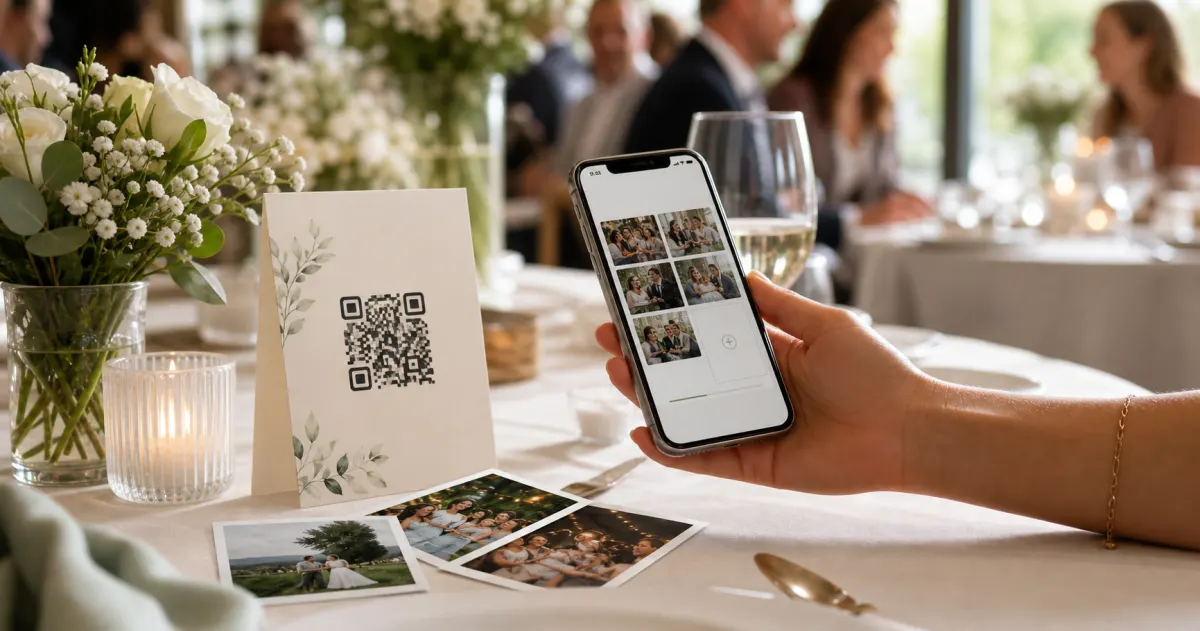
GuideHow to collect photos from your event guests (the easy way)
A printed QR code on the table collects more photos than any link in a group chat -- here is why, and how to set one up in two minutes.
 Guide
GuideCollecting guest photos in the EU without the GDPR headache
Consent, data residency, and erasure -- the three things that make event-media GDPR-compliant, and how to get them right by default.
 Story
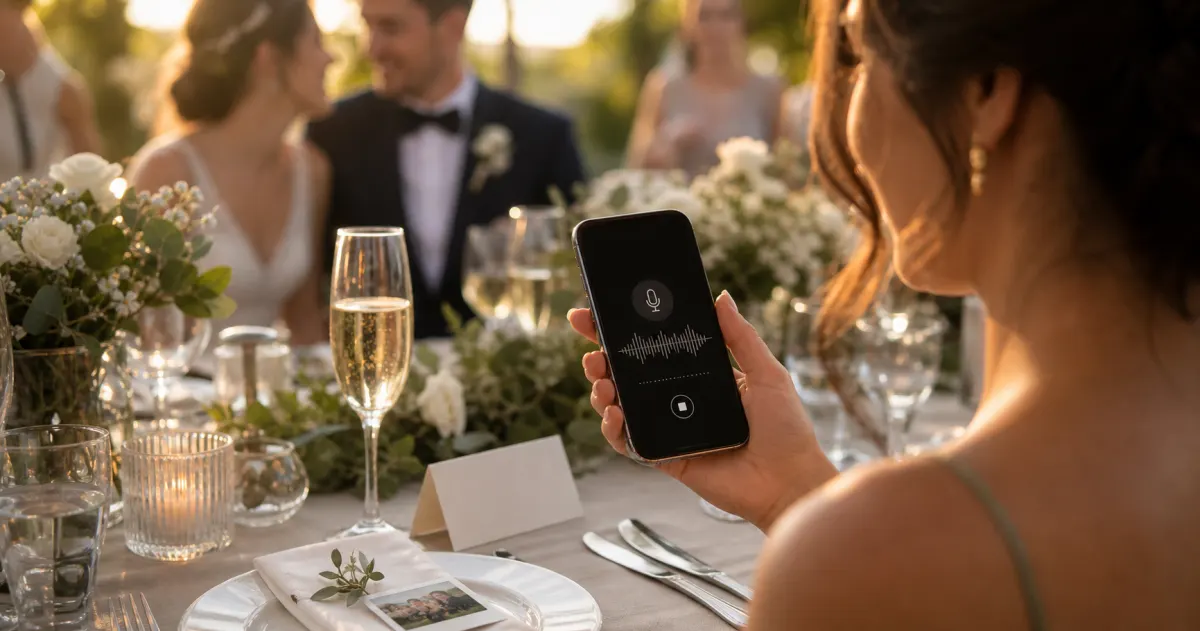
StoryThe most underrated wedding keepsake: guest voice messages
Guest voice messages are the wedding keepsake couples replay most -- real voices, real pauses, the things people said when they actually meant them.