Graduation Party Planning: The Complete Photo and Memory Capture Checklist

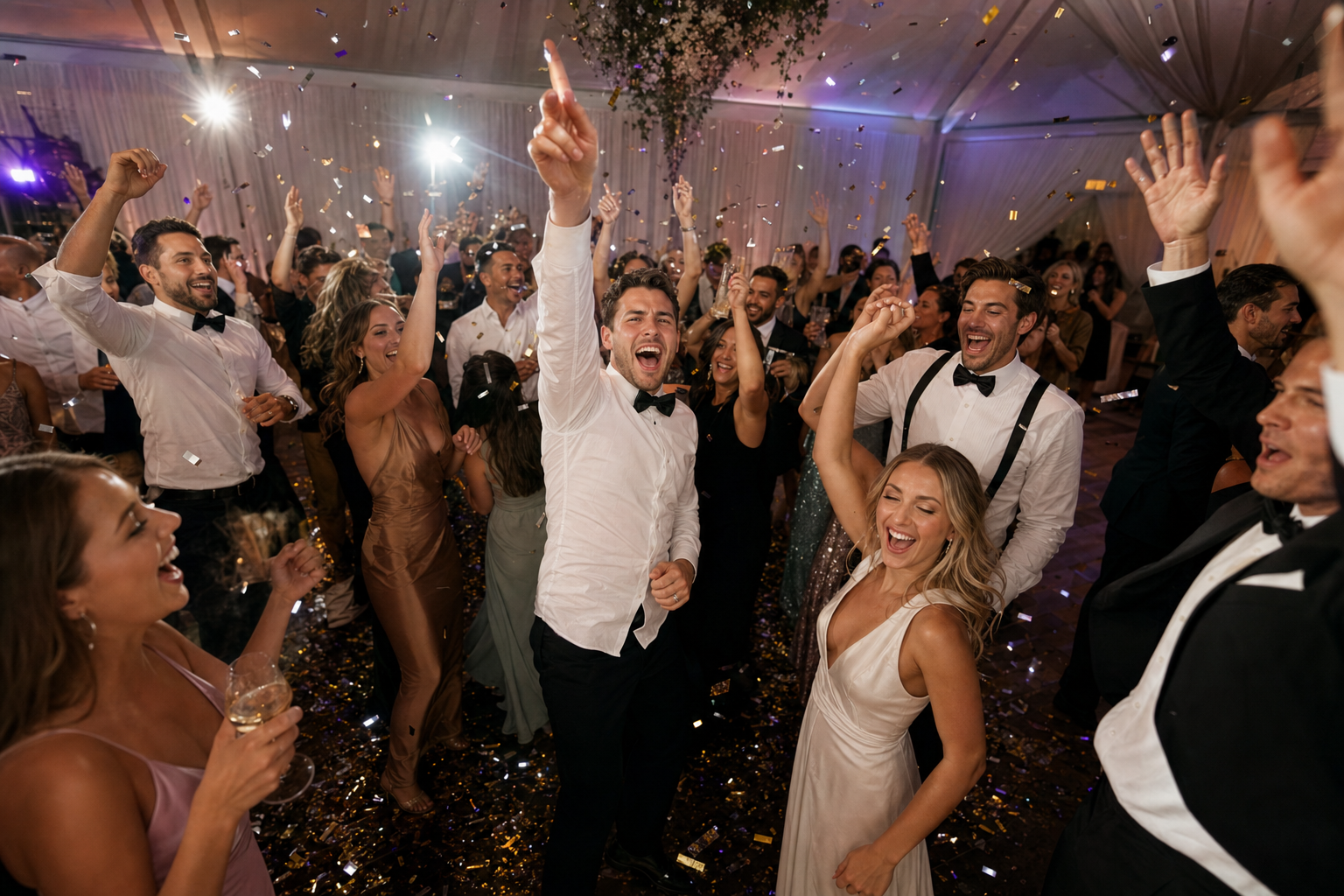
The cap is in the air, the gown is half off, and your whole crew is in the backyard at the same time for what might be the last time in a long while. That's a graduation party — a milestone and a reunion crammed into one loud, brilliant afternoon. Everyone there will take photos. Almost none of those photos will ever reach you.
That's the problem this checklist solves. Most graduation party planning guides stop at the food, the cake, and the parking; we're planning the part that survives the night — the photos, the clips, and the voices in the room, collected in one place. It's a printable run-through organized by when you do each thing — four weeks out, the week of, party day, and the morning after — so you walk away with the whole class's view of the day, not just the six shots someone remembers to text you.
Why a graduation party needs a capture plan (not just a photographer)
Here's the gap nobody plans around. Every guest is a camera — friends, the family who drove in, the neighbor who's known them since they were five, all shooting all afternoon on different phones. Then everyone goes home and the photos scatter into a hundred camera rolls and stay there. Around 70% of camera-phone photos are never revisited (Popsa / Digital Camera World, 2025). The shots from your day exist; they just never leave everyone else's lock screens.
The instinct is to fix this with a group chat. Don't — group-chat fatigue is measurable, with 40% of respondents in one survey feeling overwhelmed by group-chat messages and notifications (The Conversation, 2023). A thread half the room has muted is where photos get ignored, not collected.
What works is one shared album every guest reaches in a single scan — no app, no account, no "which chat was the link in." The reflex is already there: across the UK and Europe, 86.66% of smartphone users have scanned a QR code at least once, with 36.40% scanning one every week (MobileIron / Ivanti, 2020–2021). Gathmo is built for exactly this: guests scan a QR code or tap a short link and land straight on the upload screen — no app, no signup — and everything lands in one album you control. That's the spine of every step below.
Four weeks out: set the foundation
None of this is hard — it's just a nightmare to scramble for on the day.
- [ ] Create your shared album and lock in the link. Set up your graduation event and grab the link and QR code. With Gathmo this takes very little — name it and your code is ready — so do it early.
- [ ] Pick the right tier for your crowd. Graduation parties swing from a tight backyard gathering to half the senior class plus relatives. Match the tier to the headcount so nobody gets turned away at the upload screen (sizing below).
- [ ] Decide your "shoot this" shot list. The moments you don't want to miss — the cap toss, the friends who've been together since kindergarten, the proud-parent hug. Written down, someone's pointing a camera when each happens.
- [ ] Plan where the QR code will live. Entrance, food table, photo backdrop, drinks station. Placement is participation — a code in front of a guest gets scanned; a link in a chat gets scrolled past.
- [ ] Choose whether you'll run a live wall. A TV, projector, or even a spare tablet lets you put the album on a screen and watch photos appear as guests upload them — the single best participation trick there is.
Match the tier to your crowd
Graduation guest lists are unpredictable, so size this deliberately. Here's how Gathmo's per-event tiers map to the day:
| Tier | Best for | Guests | Video clips | Voice drops | Live screen | Keeps your album | Price |
|---|---|---|---|---|---|---|---|
| Free | A small backyard gathering | Unlimited | 3 min | up to 30 s | — | 30 days | €0 |
| Essential | A solid class-and-family turnout | Unlimited | 5 min | Unlimited | — | 6 months | €19 |
| Celebrate | A big day, lots of friends, the works | Unlimited | 10 min | Unlimited | live slideshow | 1 year (365 days) | €39 |
| Grand | The whole class, unlimited crowd | Unlimited | 15 min | Unlimited + transcript | live stream | 2 years (730 days) | €79 |
Two things that are easy to get wrong. First, the retention window is the sleeper feature: people upload late — the best shots land the next morning, on the drive home, or days later when someone clears their camera roll — and if your album has closed, those are gone. For most graduation parties, Essential or Celebrate gives guests a comfortable runway. Second, voice drops are on every tier, even Free (up to 30 seconds; unlimited on paid tiers), so you don't need to pay up to let people leave a message. (Automatic transcripts are a Grand-tier and B2B extra; the recordings themselves are everywhere.)
The week of: get the QR code party-ready
A QR code nobody can read is worse than no code at all, so respect a few print basics (QR-print best-practice register):
- [ ] Size each code to its scan distance. The rule of thumb is the 10:1 ratio — minimum code size equals the maximum scan distance divided by ten. An A5 table sign scanned from arm's length wants roughly 4–7 cm; a standing poster read from a meter or two wants about 10–25 cm. Never go below 2 × 2 cm.
- [ ] Leave the quiet zone. Keep a clear blank margin of at least 4 modules on all four sides — don't let your grad-year graphics crowd the code.
- [ ] Go dark-on-light. Use a dark code on a light background; avoid inverting it (a light code on a dark card), which many scanners struggle with — and a school-colors design tempts you into the trap.
- [ ] Mind the error-correction level. Level M (~15% recovery) is the standard default; if you're dropping a logo or your grad's photo into the middle, bump to Level H (~30%) so the overlay doesn't break the scan.
- [ ] Test-print one before the day. Print a code at the real size on the real card stock and scan it under the lighting your party will have. A code that scans on your monitor can fail on glossy paper or in harsh glare.
- [ ] Place codes where the day happens. Entrance, food spread, photo backdrop, drinks station — multiple codes, one album.
Generate your event QR code in the Gathmo dashboard, then drop it onto your own A4, A5, or tent-card signage and print — sized per the placement guidance above.
Party day: capture the energy as it happens
- [ ] Say the line out loud, once, early. When everyone's together — the welcome, the first toast, the moment the grad walks out — say it: "Scan the code on your table and drop your photos in. We're building one album for today." Then let the code do the rest.
- [ ] Pin the link in the chat — once. One clean message, not five. "Photos go here 👉 [link]." You're fighting that group-chat-fatigue number, not feeding it.
- [ ] Put the live wall on a screen. The secret weapon. When uploaded photos appear on the TV seconds later, guests see their shot go up and everyone else wants in — it turns uploading from a chore into a game. Gathmo runs a live slideshow on Celebrate and a real live stream on Grand.
- [ ] Open the voice booth. Photos aren't the only thing worth keeping. Gathmo's voicemail booth lets guests record a quick voice drop from the same screen — a "we're so proud of you," a message from the grandparent who can't quite work the camera. It's on every tier, and for a milestone it's gold: years from now, a voice beats another blurry crowd shot.
- [ ] Work the shot list, and grab the group photo early. Make someone the shot-runner, and call the whole-room photo before the first guests drift off — everyone-in-one-frame is the hardest shot to get.
The morning after: collect, share, and keep
- [ ] Download everything in one go. On any paid tier, Gathmo lets you pull the whole album down as a single batch in original quality. No chasing, no "can you airdrop me that one."
- [ ] Share the album link back to the room. Send everyone the link so the crew can relive the day and grab their favorites. The people who posted three photos will be thrilled to see the other four hundred.
- [ ] Listen to the voice drops. The messages left in the booth fade fastest from memory and matter most.
- [ ] Catch the stragglers. Because your retention window outlives the night (6 months on Essential, 1 year on Celebrate, 2 years on Grand), late uploaders can add the shots they find days later. Check back in a week — the album usually grew.
One honest planning note
Quick straight talk while you're choosing a tool: Gathmo does not do face-recognition photo search or RSVP at launch — both are on the roadmap, not in the product today. So don't promise your grad's friends they'll "find every photo of me by selfie" yet. What you can count on is dead-simple uploading, a live wall, voice drops on every tier, EU-hosted data, and a one-tap full download — exactly what capturing a graduation day needs.
Create the graduation album before invitations go out
Set up the Gathmo event as soon as the party date is confirmed. Share the album link in the invitation so guests can add messages, photos, and voice greetings before the event date -- especially useful for family members abroad.
Plan the key shots and assign an informal photo lead
Write a brief shot list: the graduate arriving, a family portrait, the cake moment, candid conversations, the group photo. Assign a trusted guest as informal photo lead and put a QR card at each table so guests contribute their own candid shots.
Collect voice and video messages on the day
At a graduation party, voice messages from family and mentors are often more valued than photos years later. Enable the voice message feature on Gathmo (included on all tiers) and print a prompt on the table card: 'Record a message for [Name] on their graduation.'
Archive everything within 48 hours
Download the Gathmo archive ZIP within two days of the party while you still remember the context of each photo. The archive includes all photos, video clips, and voice messages in their original quality -- the complete memory collection from one of the most significant milestones.
Frequently asked
Use a shared album guests reach by scanning a QR code or tapping a link, with no app and no signup. Print the code onto signs at the entrance, food table, and photo spot, and ask the room out loud to scan and upload. With Gathmo everything lands in one album, and you download it all in a single batch the next day.
Turn every guest into a contributor. A QR-code album collects the photos and clips the crew is already taking, a live wall makes uploading part of the day, and a voice booth catches messages a camera can't. You get hundreds of angles instead of one photographer's roll.
About four weeks out. Creating the album early lets you size the tier to your guest count and plan, print, and test the QR codes without a day-of scramble. The setup itself is quick.
It depends on the retention window, and it matters because the best shots often get posted days late. On Gathmo it runs from 30 days on Free up to 2 years on Grand, with 6 months on Essential and 1 year on Celebrate.
Yes. Gathmo's voicemail booth lets guests record a voice drop from the same screen they upload photos on — no hardware needed. It's on every tier (up to 30 seconds on Free, up to 3 minutes on Grand), so the proud-parent message gets saved alongside the photos. Automatic transcripts are a Grand-tier extra.
Six-item pre-party checklist: (1) Create a QR album (free on Gathmo, takes 5 minutes) and test the upload flow on your own phone; (2) Print QR codes on table cards or a sign -- one at every table for maximum participation; (3) Set up an audio guestbook prompt on the QR card (Record a 30-second message for [graduate's name]); (4) Designate one person as a roving photographer for the candid moments the crowd will not capture; (5) If there is a venue screen, open the live wall URL before guests arrive so photos appear on screen as the party starts; (6) Set a reminder to download the ZIP archive within the first week after the event. Total setup time: 30 minutes, best done two to three days before.
Send the QR album link (or direct upload URL) to people who cannot attend, with a clear ask: Record a 30-second message for [graduate] before [date]. Browser-based recording works on any phone from anywhere in the world -- no app required. Gathmo's Surprise Mode lets you hide the album from the graduate until the reveal moment, so distant contributors can upload before the party without spoiling the surprise. Set a deadline (link closes two days before the party) so you have time to review contributions before the celebration. A graduation tribute album combining messages from attendees and non-attendees is one of the most enduring gifts a family can give.
 Comparison
Gathmo vs disposable cameras: which is better for your party?
Disposable cameras have nostalgia. Gathmo has everything else. A head-to-head on cost, photos, sharing, and what you keep.
 Guide
GuideHow to collect photos from your event guests (the easy way)
A printed QR code on the table collects more photos than any link in a group chat -- here is why, and how to set one up in two minutes.
 Story
StoryThe most underrated wedding keepsake: guest voice messages
Guest voice messages are the wedding keepsake couples replay most -- real voices, real pauses, the things people said when they actually meant them.