House Party Photo Album: How to Collect Everyone's Shots in One Place


Here's how a house party ends. The last guest leaves around 2am, the playlist is still going, and somewhere between forty phones are the best shots of the night — the arrival hugs, the kitchen dancing, the moment the whole room sang along to the one song everyone knew. By Monday those photos are scattered across everyone's camera roll, half of them never sent, and the three you actually receive land in a group chat that's already moved on to brunch plans.
You don't want six photos someone eventually remembers to text you. You want the whole night, from everyone, in one album. This is how to set that up — fast, free to start, and with zero explanation needed for your crew.
The short version: skip the group chat, skip the "can everyone AirDrop me their pics" plea, and give the whole room one link to drop their shots into. Below is how it works, what to look for in a house party photo album app, and how to get people actually using it on the night.
Why a shared house party photo album beats the group chat
The group chat feels like the obvious place. It isn't. A WhatsApp thread compresses your photos, buries them under reactions and "haha", and asks everyone to remember to upload later — which most people don't. There's data behind the fatigue, too: in one survey, 40% of respondents said they felt overwhelmed by group chat messages and notifications (The Conversation, 2023). A muted thread collects nothing.
And the photos that never make it out of the camera roll? They mostly stay there for good. Around 70% of camera-phone photos are never revisited in any meaningful way (Popsa / Digital Camera World, 2025). The shot your friend took of the whole crew on the sofa is, statistically, about to disappear.
A dedicated shared album fixes the three things the group chat gets wrong:
- One destination, not forty camera rolls. Everyone uploads to the same place, so you collect the whole night instead of the handful people remember to send.
- Full quality, not compressed. A proper album keeps originals, so you can actually print or re-share later.
- No "send me your pics" follow-up. Nobody has to dig through their phone next week. It's already in one place.
The mechanism that makes this work at a party is a QR code or short link. Guests point their camera at the code, a page opens in the browser, they upload — done. No app store, no account. QR scanning is firmly mainstream now: 68% of consumers say they've used a QR code in the past year (TEAM LEWIS, 2024), and smartphone penetration in markets like Germany sits near 97% (Statista, 2024). Practically everyone in your living room already has the only tool they need.
What to look for in a house party photo album app
Not every photo-collection tool is built for a living room full of people who've had a couple of drinks and zero patience for setup screens. For a house party specifically, here's what matters.
No app and no signup — for your guests
This is the whole game. If a guest has to download something or make an account before they can upload, you've lost most of the room. The shots you want most come from the people who'd never bother with a setup flow. With Gathmo, guests scan and upload straight from the browser on any phone — no app, no signup, no account (Gathmo product facts). They land on the upload page and they're in.
Worth knowing: most of the better tools now do "no app for guests." Where they differ is the signup. Some still ask guests to create an account or hand over an email before they can post. For a house party, that friction is the difference between forty contributors and four.
Photos and video clips
Half the best house party moments are motion — the conga line, the cake-cut fail, someone's questionable dance move. A good album takes short video too, not just stills. Gathmo's video length scales by tier: 3 minutes on the Free plan, up to 5 minutes on Essential and 10 minutes on Celebrate (Gathmo product facts). For a house party, even the Free limit gives guests plenty of time for a fun clip.
A voice drop, not just pictures
This is the one almost nobody else has. Gathmo includes an in-browser voicemail booth on every tier — guests tap the voice tab, hit record, and leave a message for the group, straight from their phone, no hardware and no awkward foam microphone (recording length is 30 seconds on Free; unlimited on paid tiers; Gathmo product facts). At a house party that turns into the half-cut toast at midnight, the in-joke nobody will remember tomorrow, the "I love you guys" from across the room. Among the party tools we checked, in-browser audio recording is genuinely rare — most photo-sharing apps don't offer it at all, and where a voicemail-style feature exists at all it's the exception, not the norm.
A live photo wall on the TV
Want the album to do something during the party, not just after? A live photo wall (or slideshow) projects guest uploads onto your TV or a screen as they come in. It's a conversion machine for participation, too: people see their photo go up and immediately upload three more. Gathmo's live slideshow is available from the Celebrate tier (€39), with a full live stream on Grand (Gathmo product facts). For a bigger house party where you've got a TV free, it's the difference between a quiet album and a room that won't stop shooting.
Download everything afterward in one go
The morning after, you want the whole album, full quality, in one move — not 200 individual saves. Look for a one-click batch ZIP download. Gathmo includes batch download on all paid tiers, at original quality (Gathmo product facts). This is the part that makes the album worth setting up: you end the weekend with one folder of everything, ready to keep, print, or send round.
Honest caveat on what Gathmo doesn't do yet
So you can plan with eyes open: face-recognition photo search ("find pics of me") and RSVP are not in the launch product — both are on the roadmap for a later phase, not available now (Gathmo product facts). If selfie-based photo finding is a must-have for you today, that's a real gap to weigh. For collecting one shared album from a house party, it isn't one — everyone's shots land in the same place regardless.
How to set up your house party photo album in three steps
You don't need tech skills and you don't need much time. The flow is the same whether it's eight people or eighty.
- Create the event and grab your link. Give your party a name, and you get a link and a QR code for it. (We won't put a stopwatch on it — but this is a quick, in-moments setup, not a project.)
- Get the link in front of your crew — two ways at once. Drop the link straight into the group chat before the party so early arrivals are already uploading. And print the QR code to put out on the night, so everyone who walks in can scan it. Belt and braces beats either one alone.
- Let the album fill up — then download it. Photos, clips, and voice drops roll in through the night. If you're on a tier with the live wall, throw it up on the TV. The next morning, download everything in one ZIP and send the album link round so the whole crew can relive it.
That's the entire setup. The hard part — getting forty people to actually contribute — is solved by removing every reason not to: no app, no account, one scan.
Where to put the QR code so people actually scan it
A printed QR code only works if guests can find it and their phones can read it. A few specs worth getting right, drawn from QR print best practice:
- Size it for the distance. The rule of thumb is the 10:1 ratio — minimum code size is the scan distance divided by 10 (Uniqode). For a table card someone scans while seated, around 3–5 cm works; for an A5 sign by the door, aim for roughly 4–7 cm (QR Insights; Uniqode). Never go below about 2 × 2 cm (Uniqode).
- Keep it dark-on-light. Use a dark code on a light background, and don't invert it — light-on-dark codes fail on many phone cameras (QR Designer; Dynamic QR Creator).
- Leave a clear margin. The standard needs a blank "quiet zone" of at least four modules around all four sides so the scanner can lock on (DENSO WAVE).
- Test-print before the party. Print one at the real size and scan it from where guests will stand, under the lighting you'll actually have (Uniqode). A code that scans fine on your laptop can fail on glossy paper across a dim room.
Good spots for a house party: by the front door (people scan on arrival), on the drinks table (everyone visits it), and propped near the TV if you're running the live wall. More than one sign is better than one — the goal is that nobody has to go looking.
A quick word on guest privacy
Collecting everyone's photos in one place is great; it's also worth a thirty-second thought about privacy, especially if you'll share the album beyond the people who were there. A couple of grounded points (this is general information, not legal advice):
- Under GDPR, ordinary party photos generally aren't "special category" data — that only kicks in when images are processed by a specific technical means for unique identification, such as facial-recognition templating (GDPR Recital 51). A plain shared album of guest snaps doesn't do that. (And as noted above, Gathmo's launch product has no face-recognition feature anyway.)
- Keeping things on a short leash helps: collect only what you need and don't store it forever (GDPR Art. 5(1)(c) and (e)). Gathmo bakes this in with per-tier retention windows — from 30 days on Free up to 2 years on the top tier (Gathmo product facts) — so the album doesn't linger longer than it should.
For a private house party shared among the people who were there, this is mostly common sense. It matters more the moment you post the album somewhere public.
Create the house party album and share the link in advance
Set up the Gathmo event before the party, download the QR code, and drop the album link in the party group chat the day before. Guests who arrive late still see the link and know to scan when they arrive.
Place the QR code at eye level throughout the house
Put a card at the kitchen counter, the dining table, the bar area, and any outdoor space guests use. House parties are less structured than venue events; multiple placements ensure the code is visible wherever guests gather.
Mention the album once, casually
During the first hour, say: 'There is a QR code on the counter to add your photos tonight.' One casual mention at a relaxed party is more effective than a formal announcement; house party guests respond better to suggestions than instructions.
Share the link the morning after
Send the album link to all guests in the morning-after message. This is when guests want to see how the night looked; sharing the link at this moment drives a burst of additional uploads from anyone who forgot to scan during the party.
Frequently asked
Yes — but the best ones don't require your guests to install anything. Gathmo runs entirely in the browser for guests: they scan a QR code or open a link, and upload photos, clips, or a voice drop with no app and no signup ([Gathmo product facts](/parties)). You set it up from your account; everyone else just scans.
Once the album is collected, you share it the same way you collected it — with the link. Send the album link round in the group chat and everyone can view the whole night and save what they like. You, as the host, can also download the entire album in one ZIP at original quality (on any paid tier) ([Gathmo product facts](/parties)).
That's exactly the problem a shared album solves. Instead of forty people each trying to send dozens of files, everyone uploads to one place, and you pull the whole lot down as a single ZIP afterward — no compression, no 200 individual saves ([Gathmo product facts](/parties)).
Look for three things: no signup for guests, support for both photos and short video, and one-click download afterward. Gathmo covers all three and adds a voicemail booth on every tier plus a live photo wall from the Celebrate plan ([Gathmo product facts](/parties)). It starts free with up to 100 uploads, so you can try it on your next small one before scaling up.
The Free tier is genuinely free: 100 uploads, 3-minute video clips, a 30-second voice drop, and a 30-day window — enough for a small house party at €0 ([Gathmo product facts](/parties)). For a bigger night, Essential (€19, unlimited guests) and Celebrate (€39, unlimited guests, with the live wall) step it up.
A QR code on table cards or sticky notes around the party space is the lowest-friction collection method: guests scan during the party, upload from their phone browser, and photos go directly into a shared album with no coordination required. The alternative -- asking guests to share photos by WhatsApp, AirDrop, or email after the party -- relies on post-event motivation that usually does not materialise. House party QR setup: create a free Gathmo event (under 5 minutes), generate the QR, print or write the URL on a few cards, and place one at each area where guests gather. Download the full album the next morning.
Three things that work: (1) Send the album link to everyone who came, with a note that it is still accepting uploads for two weeks -- late-night or next-day photos are often the best; (2) Add a short reminder to your follow-up message (did you take any good shots? add them here: [link]); (3) Set a visible closing date (album closes on [date]) -- a deadline creates a reason to act now rather than defer. The album link is the key: a link works from anywhere on any device; a group chat or shared folder requires friction to upload to. Gathmo albums stay open for 30 days on the free tier, giving 2 to 4 weeks for post-party uploads.
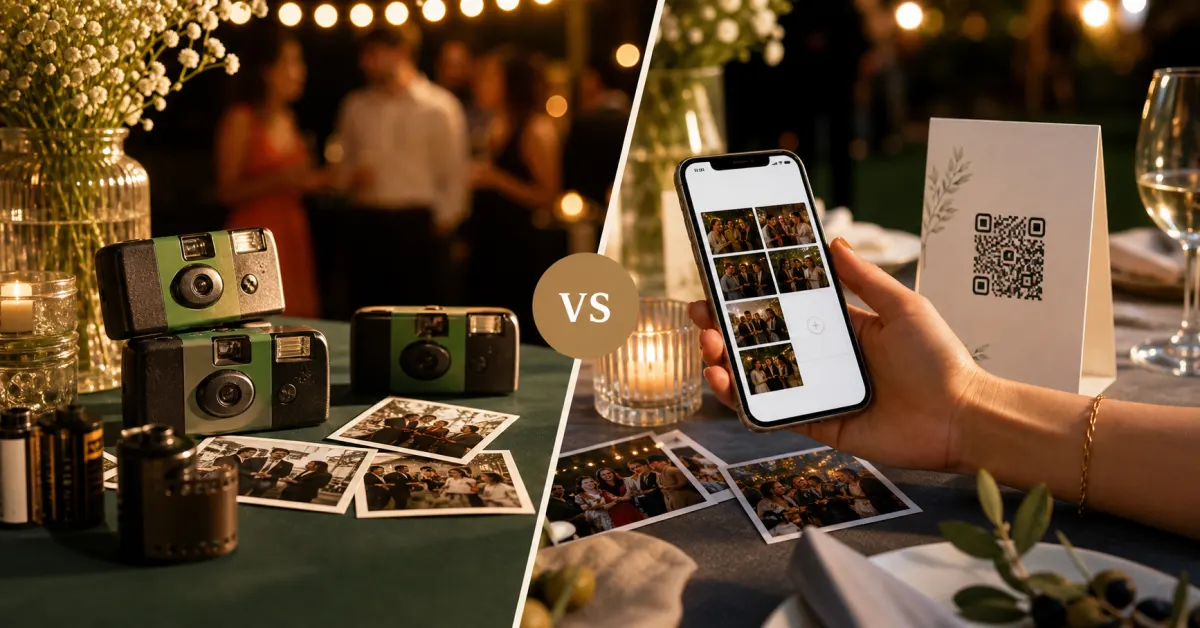 Comparison
Gathmo vs disposable cameras: which is better for your party?
Disposable cameras have nostalgia. Gathmo has everything else. A head-to-head on cost, photos, sharing, and what you keep.
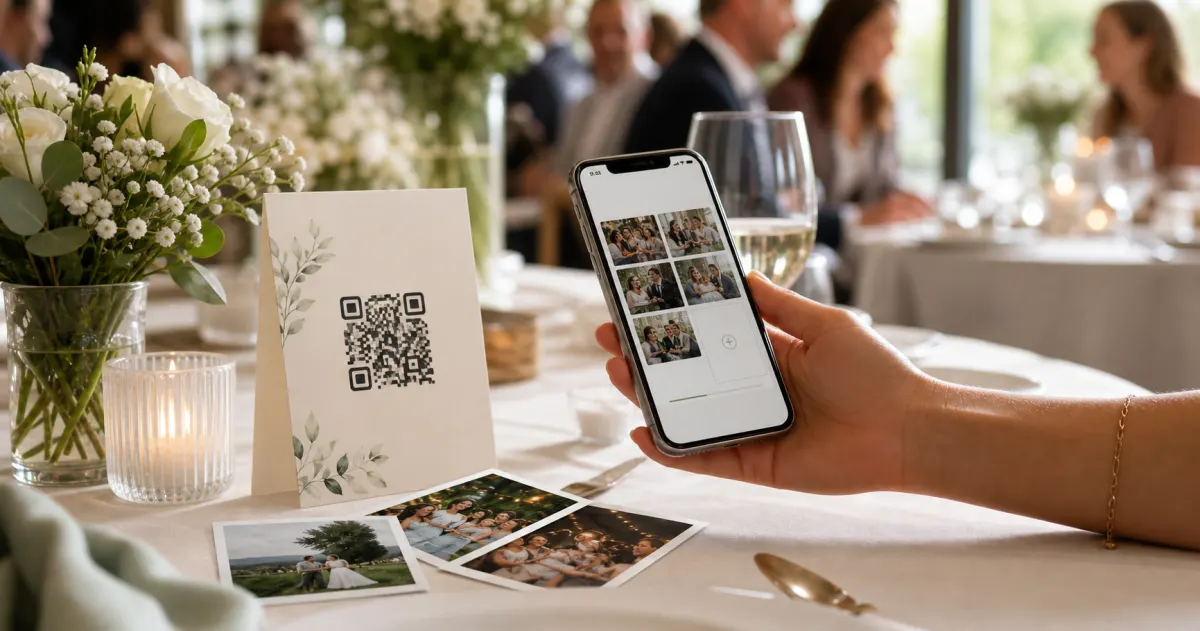 Guide
GuideHow to collect photos from your event guests (the easy way)
A printed QR code on the table collects more photos than any link in a group chat -- here is why, and how to set one up in two minutes.
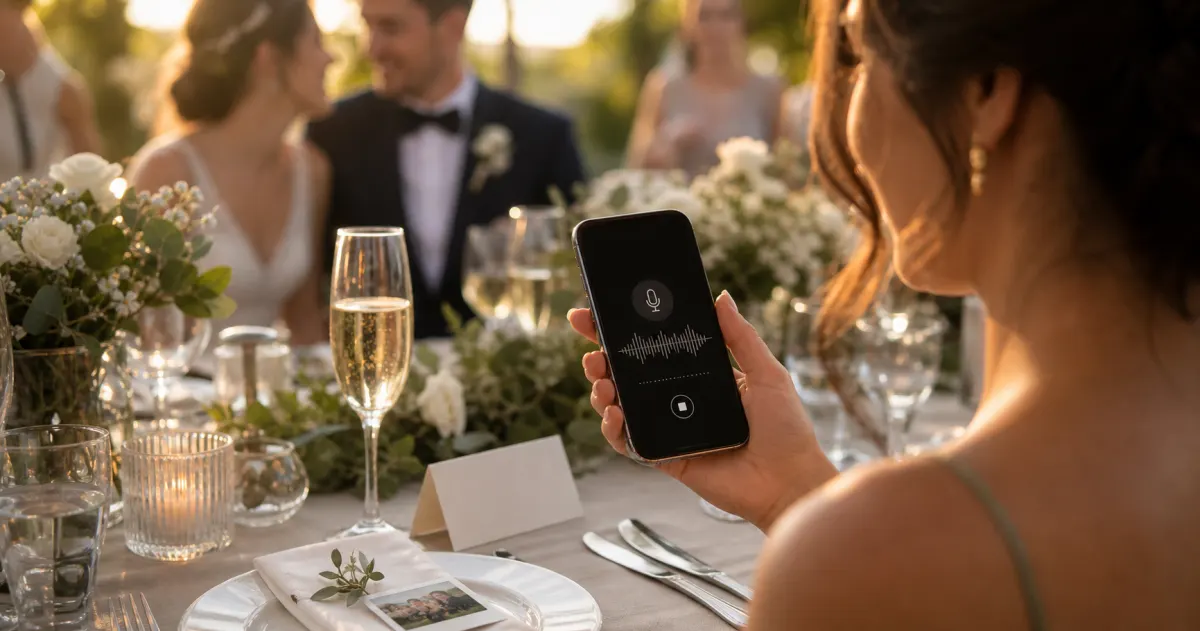 Story
StoryThe most underrated wedding keepsake: guest voice messages
Guest voice messages are the wedding keepsake couples replay most -- real voices, real pauses, the things people said when they actually meant them.