Party Planning Timeline: When to Set Up Your Photo Sharing Link for Maximum Guest Participation

Most hosts treat the photo album like the playlist: something to sort out an hour before doors. Then the night happens, the link goes up late, half the room never sees it, and the morning-after album has fourteen shots in it — eleven of which you took yourself.
Here's what nobody tells you: when you set up your photo sharing link matters almost as much as whether you set one up. A link created in the right window — printed in time, dropped in the chat at the right moment, left open long enough afterward — fills itself. A link rushed out at 9 p.m. with the music already loud is one most of your crew never scans.
This is a timeline. It maps the whole arc of a party — from the moment you lock the date to the week after — so the album does the work instead of you. Whether your night is two weeks out or two days out, find your spot on the schedule below.
Why timing is a participation lever
Guests upload when scanning feels like a natural beat of the night, not a chore tacked onto the end — and that's a question of sequence, not just tools. The hardware and the habit are already in the room: smartphone penetration in Germany was forecast to reach about 97% in 2024 (Statista, 2024), and scanning a QR code is a reflex now — 68% of US consumers say they've used one in the past year (TEAM LEWIS, 2024). What's left to engineer is getting the link in front of the right people at the right moments.
The cost of mistiming it is real: the photos that miss your album don't vanish — they rot on lock screens, where around 70% of camera-phone photos are never revisited (Popsa / Digital Camera World, 2025). And you do not want to be building your event and troubleshooting a screen while your first guests arrive. Front-load the setup and the night runs itself.
T-minus 2 weeks: lock the link early
The best move is also the easiest to skip: create the event and grab your link the moment the party's real. You don't need the final headcount or the playlist — just the date.
Why this early? It kills the night-of scramble. With Gathmo, creating a party event is quick — name it and your link and QR code are ready — so doing it two weeks out means your code is in your camera roll, ready to print and paste, long before you're stressed about ice and seating.
It also lets you choose the right tier before you need it — and the tier you pick changes how many guests can join, how long videos can be, whether you get a live wall, and how long the album stays open afterward:
| Tier | Best for | Guests | Video clips | Live wall | Album stays open | Price |
|---|---|---|---|---|---|---|
| Free | A small crew, a casual night | Unlimited | 3 min | — | 30 days | €0 |
| Essential | An average party, 40–75 people | Unlimited | 5 min | — | 6 months | €19 |
| Celebrate | A bigger night — live wall on the screen | Unlimited | 10 min | slideshow | 1 year (365 days) | €39 |
| Grand | A festival night or reunion, huge crowd | Unlimited | 15 min | live stream | 2 years (730 days) | €79 |
(Gathmo tiers and limits per product facts.)
Pick on headcount and how long you want guests adding photos. Sixty people coming, with stragglers who'll post for a week? Essential or Celebrate is the comfortable call. Lock it now — one less decision on the day.
T-minus 1 week: design and order your QR signage
Your link exists; now make it physical. A code placed where the party happens gets scanned. A link buried in a chat gets scrolled past. Doing this a week out gives you time to print, check, and receive anything you're ordering. A code nobody can scan is worse than no code at all, so respect the print basics (QR-print best-practice register):
- Size it to the scan distance with the 10:1 rule — minimum code size equals max scan distance ÷ 10. For an A5 sign at arm's length, roughly 4–7 cm; a table tent, 3–5 cm; a poster or A-frame read from a metre or two, go big at 10–25 cm. Never below 2 × 2 cm.
- Leave the quiet zone — a clear margin of at least 4 modules on all four sides; don't let party graphics crowd the code.
- Dark on light, and avoid inverting (a light code on a dark background) — many scanners struggle with that, a real risk on a moody party card.
- Mind error correction. Level M (~15%) is the standard default; with a logo in the middle, bump to Level H (~30%) so the overlay doesn't break the scan. Use a dynamic code so you can change the destination without reprinting, and export at 300 DPI or higher.
- Test-print one — now, not on the night. Print a proof at the real size on the real stock and scan it under the dim, coloured lighting your party will actually have. A code that scans on your monitor can fail on glossy paper or under a disco light. This step saves the night — and you can only do it if you started early.
Generate your event QR code in the Gathmo dashboard, then drop it onto your own A4, A5, or tent-card signage and print — sized per the placement guidance above.
T-minus 2–3 days: drop the link in the chat (once)
Now warm up the room. A few days out, post the link in your party chat once — cleanly, not as a wall of five messages — because you're fighting group-chat fatigue, not feeding it: in one survey, 40% of respondents felt overwhelmed by group-chat messages and notifications (The Conversation, 2023). The chat's job here isn't to collect photos; it's to pre-load the expectation. One message — "We're keeping all the photos from Saturday in one album 👉 [link], scan the code on the night too" — plants the idea before anyone arrives. A few days out is the sweet spot: close enough to remember, far enough that early birds can save it.
Day of, before doors: set up the wall, place the codes
This is the window the rushed host never gets — and the prepared host owns. An hour or two before your first guest, do the physical setup while the room's quiet:
- Place codes at every touchpoint. Entrance first ("scan to join the album"), then every table, then the bar — anywhere people queue, stand, and look at their phones. Placement is participation.
- Set up the live wall, if your tier has one. This is your single biggest participation engine, so don't improvise it at 9 p.m. Get a screen or projector showing the gallery before doors. On Gathmo the live slideshow comes with Celebrate and a real live stream with Grand — when an uploaded photo hits the big screen seconds later, guests see their shot go up and everyone else wants in. A live wall turns uploading into a game, but only if it's running when the first photos land.
- Open the voice tab too. Gathmo's voicemail booth lets guests record a quick voice drop from the same screen — a message for the group, a half-shouted "best night" over the music — and it's on every tier, from Free up. (Automatic transcripts of those voice messages are a Grand-tier and B2B extra.) Two ways to contribute means even the camera-shy ones leave a mark.
- Do a final live scan. Walk the room, scan a code, upload a test shot, watch it hit the wall. Anything off, you have time to fix it. Now.
During the party: one spoken nudge, at the peak
Signs do a lot; a single spoken cue does more — guests upload when someone they're listening to tells them to. Pick one natural high point — a toast, a welcome, the first big moment when the room's together — and say the line:
"Everyone — scan the code on your table and drop your photos in. We're building one album for tonight, and it's already going up on the screen."
Ten seconds, then let the code and the wall do the rest. Resist nagging; one well-timed ask beats five reminders that start to feel like homework. If the wall's doing its job, the room polices itself.
After the party: keep the album open for the late uploaders
Here's the participation killer nobody plans for: people upload late. The best shots get posted the next morning, on the train home, three days later when someone clears their camera roll. If your album's closed, those photos — often the good ones — are gone. This is exactly why you chose your tier with retention in mind back at T-minus 2 weeks. On Gathmo the album stays open 30 days on Free, 6 months on Essential, 1 year on Celebrate, and 2 years on Grand. In the day or two after:
- Re-share the link once more. Now the chat earns its keep: "Last night was unreal. Add your photos here 👉 [link]." This second nudge, while the night's fresh, catches the stragglers.
- Let it breathe. Don't rush to download and close — the longer the door stays open, the more of the room walks through it. When uploads tail off, pull the whole album as a single ZIP in original quality (on every paid tier).
A quick honesty note: Gathmo does not do face-recognition photo search or RSVP at launch — both are on the roadmap, not in the product today. So don't promise your crew they'll "find every photo of me by selfie" yet. What you can promise is dead-simple uploading, a live wall, voice drops, and an album that stays open long enough to catch the late posts.
If the party's tomorrow: setting up last-minute
If your timeline's collapsed, the feature that matters most is how little friction your guests face. With Gathmo they scan a QR code or tap a short link and they're straight into the upload screen — no app to install, no account to create — so there's nothing to explain to the room. Some other tools keep guests install-free too (a free option like Kululu or a budget pick like Rompolo), but the wider event-photo market is uneven: a few tools still push guests through an app or signup wall. (Competitor specifics from competitor-data-digest.md, in each provider's native currency, current as of June 2026 — prices change, so re-check.) The takeaway: pick the tool with the fewest taps between camera and album, set it up the moment you can, and place codes before doors. Even a two-hour runway works if the mechanism's frictionless.
The party photo timeline at a glance
| When | Do this |
|---|---|
| T-minus 2 weeks | Create the event, grab your link and QR code, choose your tier (headcount + how long you want the album open). |
| T-minus 1 week | Design and order your QR signage; test-print one code under real lighting. |
| T-minus 2–3 days | Drop the link in the group chat once to pre-load the expectation. |
| Day of, before doors | Place codes at entrance, tables, bar; set up the live wall; open the voice booth; do a final test scan. |
| During the party | One spoken nudge at a natural high point; let the live wall do the rest. |
| After the party | Re-share the link once; leave the album open for late uploaders; download as a ZIP when done. |
Hit those beats and you stop chasing photos after the fact. The album fills itself, because every part of the timeline did a small job at the right moment.
Create the album at least one week before the party
Set up the Gathmo event as soon as you have the venue and date confirmed. Having the album ready early lets you include the link in the invitation and share pre-party photos in the same album from day one.
Print QR cards 3 to 5 days before the party
Order or print table tent cards with the QR code at least three days before the party. This gives you time to reprint if there is a quality issue and to place them at the venue on setup day rather than on the day itself.
Share the album link in the reminder message 1 to 2 days before
Include the album link in the party reminder: you can add your photos here on the night -- the link is already live. This primes guests to use it and means some will upload pre-party shots before the event.
Send the post-party link within 24 hours
Share the Gathmo album link in a thank-you message the next morning. Post-party shares generate 15 to 30 percent additional uploads from guests who forgot to scan during the event. This is also when guests most want to see everyone's photos.
Frequently asked
As soon as the date's locked — ideally about two weeks out. Creating the event early (it's quick on Gathmo: name it and your link and QR code are ready) lets you choose the right tier, design and test your codes with time to spare, and avoid setting up while guests arrive. A link rushed out an hour before doors is one most of your room never scans.
About a week before. That gives you time to size it correctly (roughly 4–7 cm on an A5 sign, never below 2 × 2 cm), check contrast and the quiet zone, and test-print one under the dim, coloured lighting your party will actually have. A code that scans on your monitor can fail on glossy card or under a disco light — and you only catch that if you started early.
Twice, and only twice: once a few days before to pre-load the expectation, and once the morning after to catch the late uploaders. Around 40% of people feel overwhelmed by group-chat notifications, so spamming the thread backfires — the album, not the chat, is where photos get uploaded.
Yes. With no runway, the priority is a tool with zero guest friction — guests scan and upload with no app and no signup, like Gathmo on every tier — so there's nothing to explain. Create the event, place codes at the entrance, tables, and bar before doors, and you're set even on a two-hour timeline. Earlier is better, but late still works if the mechanism's frictionless.
Set it up the week before, at minimum — ideally two to three weeks before for weddings or large events. Earlier setup gives you time to: create the QR code, test it on multiple phones, get it printed on table cards or signs, and share the link with a few guests for a pre-event upload such as throwback photos or anticipation messages. Setting it up the morning of the party works but eliminates all of these prep steps and leaves no margin for printing delays. For weddings, set up the photo link the same week you finalise the seating — it becomes one more thing to print and place, and early setup means QR codes can go on invitations.
Five things to verify before guests arrive: (1) scan the QR code from the actual printed material, at the distance guests will stand, under the venue lighting — many failures are print-quality issues caught here; (2) complete a test upload from your own phone and confirm it appears in the host dashboard; (3) check the album is set to the right privacy setting; (4) verify the host notification is on if you want to approve uploads before they appear; (5) if there is a live photo wall, open the wall URL on the display screen and confirm the feed refreshes. This five-minute check saves the anxiety of discovering a failed QR code mid-party.
At minimum, two to three days before: this allows time to test the QR code on both iPhone and Android, print table cards or signs, and troubleshoot issues without the day-of pressure. Ideal timeline: one week before — create the event and generate the QR; five days before — send the album link to distant family or friends contributing pre-party messages via Surprise Mode; two days before — test everything and print cards; day of — place cards, open the live wall URL before guests arrive, confirm the printed QR scans correctly from arm's reach. Setting up on the day is possible (Gathmo takes under 10 minutes) but leaves no buffer for reprinting a failed QR or fixing a broken link.
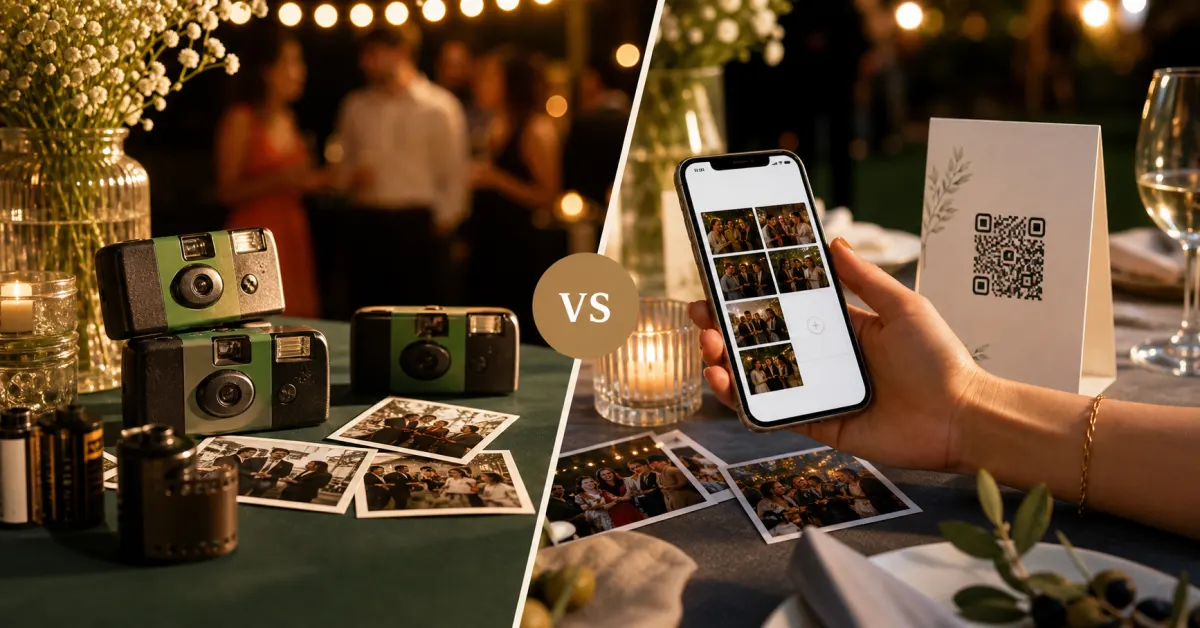 Comparison
Gathmo vs disposable cameras: which is better for your party?
Disposable cameras have nostalgia. Gathmo has everything else. A head-to-head on cost, photos, sharing, and what you keep.
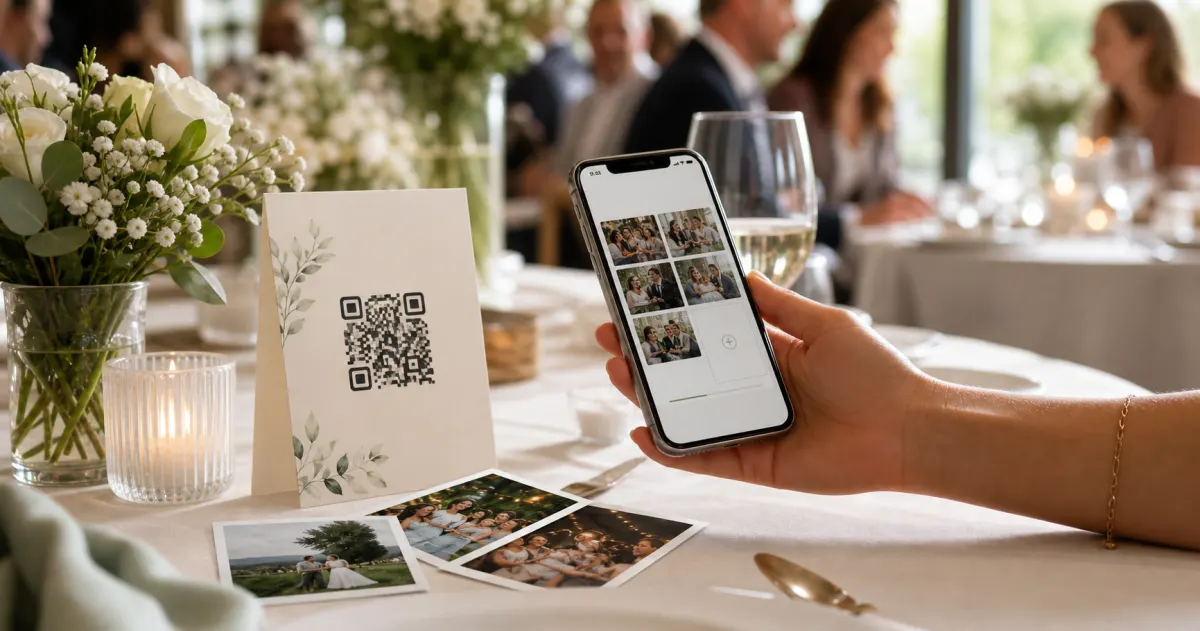 Guide
GuideHow to collect photos from your event guests (the easy way)
A printed QR code on the table collects more photos than any link in a group chat -- here is why, and how to set one up in two minutes.
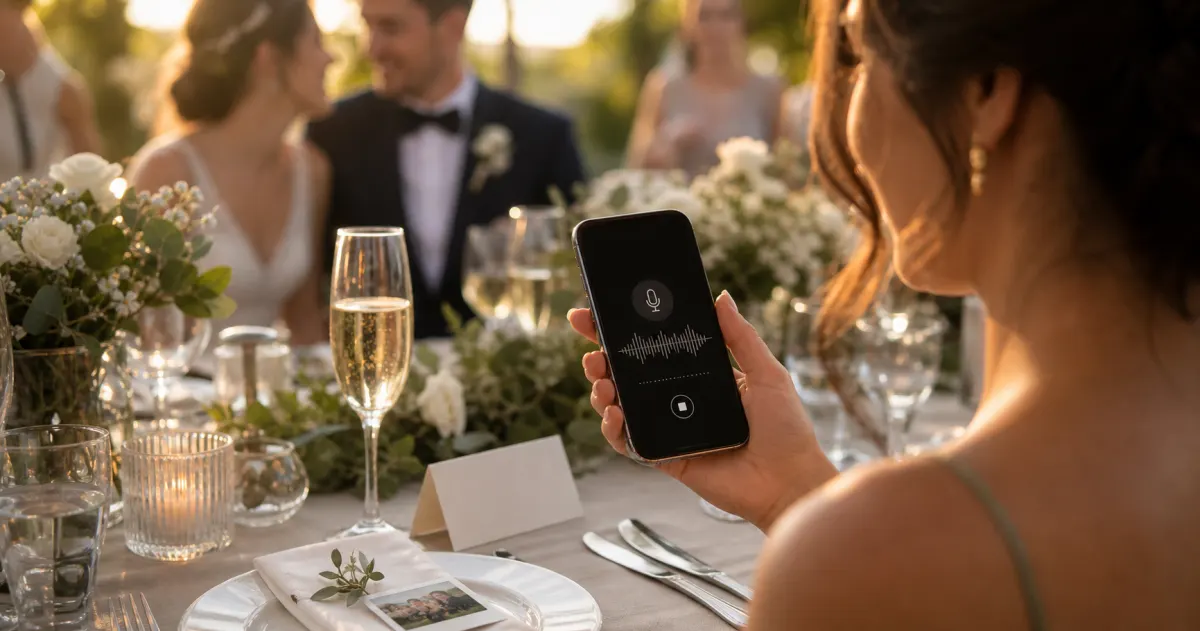 Story
StoryThe most underrated wedding keepsake: guest voice messages
Guest voice messages are the wedding keepsake couples replay most -- real voices, real pauses, the things people said when they actually meant them.